




V-Color Manta XOT1 OLED RGB DDR5-6000 RAM, CL28, EXPO ULL - 32 GB Dual Kit, white
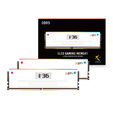
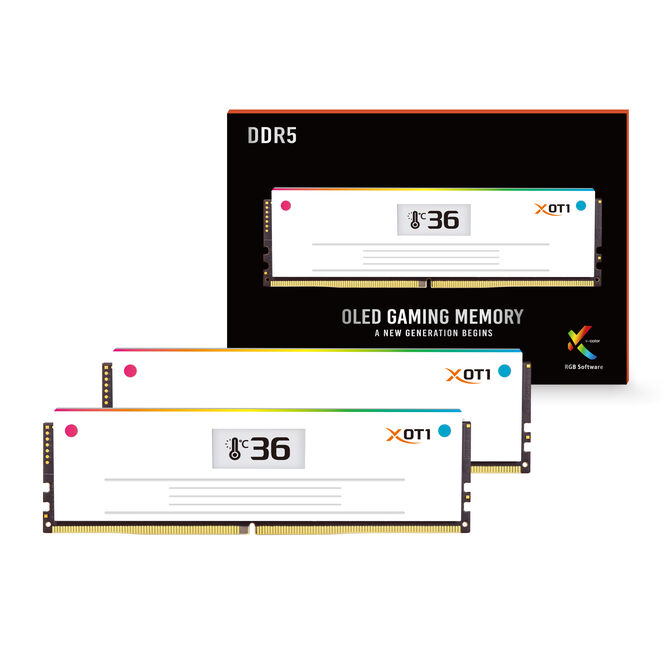
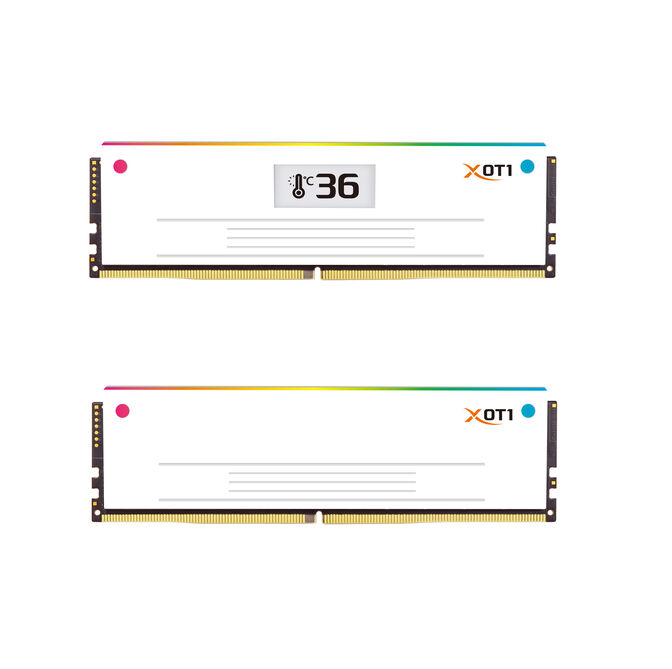
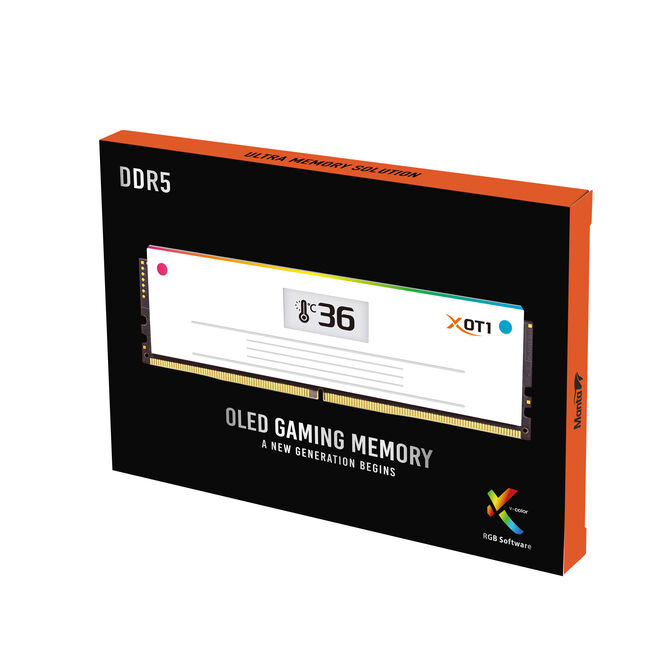
With the V-Color Manta XOT1 OLED RGB RAM kit, you equip your gaming PC with 32 GB of DDR5 memory featuring a data rate of 6,000 MT/s and a CAS latency of CL28. However, it’s not just about the data rate. AMD EXPO ULL also uses finely tuned memory timings to reduce wait times during memory access. You activate the stored settings via a BIOS profile without having to test individual values yourself. Additionally, an OLED display, RGB lighting, and white heat spreaders visually integrate the kit into your build.
- 32 GB as a dual kit: For gaming and multitasking.
- DDR5-6000: High data throughput at 6,000 MT/s.
- CAS latency CL28: Short wait times for read access.
- AMD EXPO ULL: Optimised subtimings via BIOS profile.
- OLED and RGB: Memory values at a glance and colourful lighting effects.
What is AMD EXPO ULL?
ULL stands for Ultra Low Latency, meaning particularly low latencies. The EXPO-ULL profile contains additional optimised subtimings – further settings that influence the timing sequences in the memory. Their optimisation can reduce memory latency without needing to increase the data rate or lower the specified CL value.
DDR5-6000 with CL28: Data rate and timings matter
The kit combines 6,000 MT/s with a CAS latency of CL28, focusing on high data throughput and short access times. However, more than the CL value alone determines the total memory latency – which is why EXPO ULL also takes subtimings into account.
32 GB DDR5 RAM for your gaming and everything else
Your voice chat is running, guides are open in the browser, and you’re recording your gameplay on the side: your RAM doesn’t just hold your game’s data. With 32 GB, the kit offers capacity for gaming and concurrently running applications. Which RAM slots to use for the dual kit is shown in your motherboard’s manual.
Activate the EXPO-ULL profile instead of setting memory values manually
You don’t need to enter data rate, timings, and voltage individually. The intended settings are stored in the EXPO-ULL profile and applied after activation in the BIOS. Without a selected performance profile, the memory initially starts with its default settings.
A compatible AMD platform and appropriate BIOS support are prerequisites. Whether the profile values are stably achievable on your system also depends on your CPU’s memory controller, motherboard, and memory configuration.
OLED display, RGB lighting, and white heat spreaders
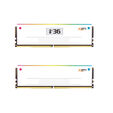
The OLED display on one of the two modules shows memory temperature, data rate, capacity, and timings directly inside the case. Its elevated position improves readability with different motherboard layouts. The RGB lighting adds colourful accents. The white heat spreaders also support the heat dissipation of the memory chips. If you use a large CPU air cooler, check the available clearance above the RAM slots before installation.
|
Colour
|
|
|
Primary Colour
|
White
|
|
Cooler Specifications
|
|
|
Heatsink included
|
Yes
|
|
Memory
|
|
|
Memory size (total)
|
32 GB
|
|
Memory Type
|
DDR5
|
|
Memory Form Factor
|
DIMM
|
|
System Memory Subtype
|
UDIMM
|
|
Number of modules
|
2
|
|
Memory Speed
|
6000 MHz
|
|
Max. Memory Speed (Standard)
|
4800 MT/s
|
|
Max. Memory Speed (OC)
|
6000 MT/s
|
|
Memory Voltage
|
1.4 V
|
|
EEC Support
|
Yes
|
|
Performance Profile
|
AMD EXPO-ULL
|
|
Memory Timings
|
|
|
CL (CAS Latency)
|
28
|
|
tRCD (RAS-to-CAS-Delay)
|
36
|
|
tRP (RAS-Precharge-Time)
|
36
|
|
tRAS (Row-Active-Time)
|
36
|
|
Compatibility
|
|
|
Compatibility Note
|
Please refer to the manufacturer's compatibility information. You can find the latest overview on the manufacturer's website.
|
|
Lighting
|
|
|
Lighting / RGB
|
Yes
|
|
Lighting Colour
|
RGB
|
Product reviews displayed are aggregated from all Pro Gamers Group websites.