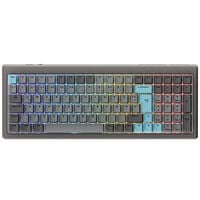
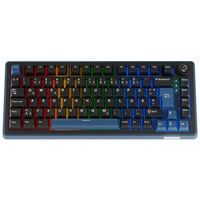
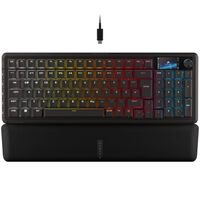
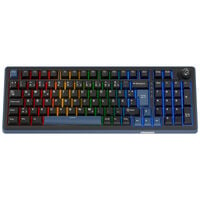
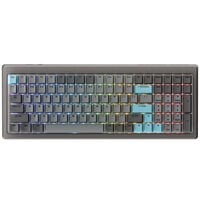
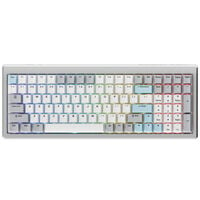
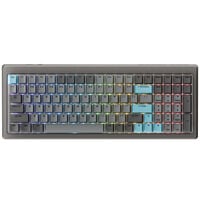
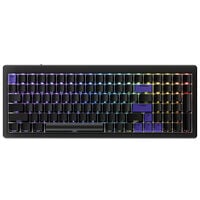
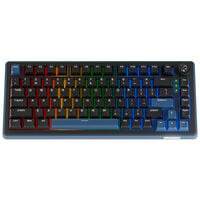
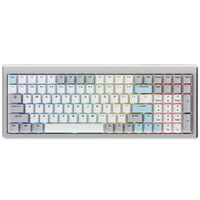
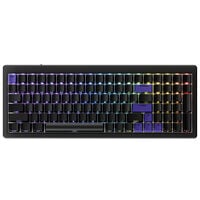
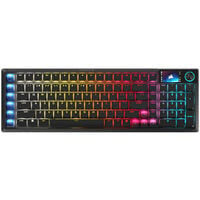
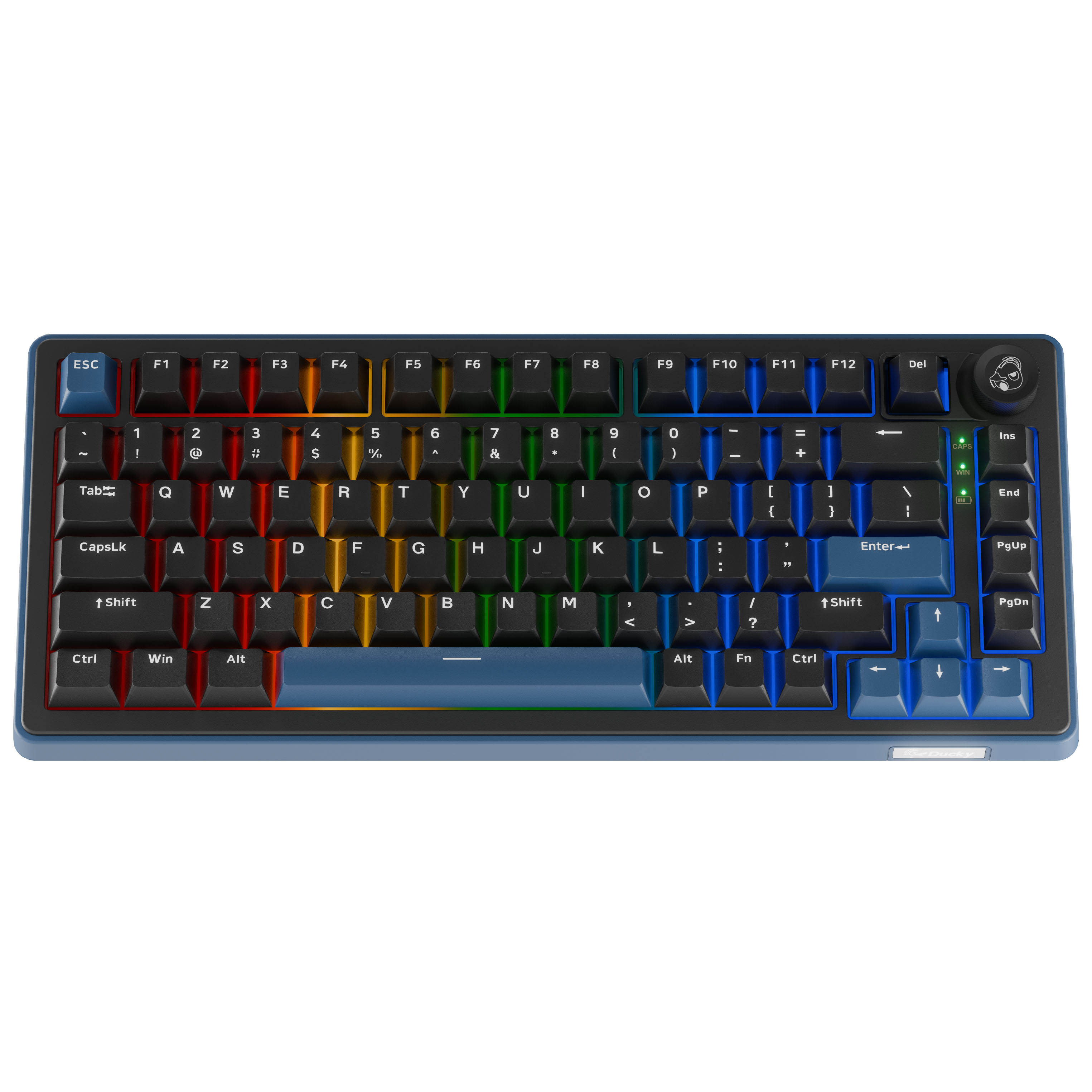
Wireless gaming keyboards connect to your PC via Bluetooth or 2.4 GHz, keeping your setup tidy and free from unnecessary cables.
Wireless Keyboards
Wireless gaming keyboards give you greater freedom of movement and help reduce cable clutter on your desk. Depending on the model, you can choose between Bluetooth, 2.4 GHz wireless or both connection types. You can also select from different keyboard sizes, switch types and features to find the right wireless keyboard for your gaming setup.
Wireless Keyboards with Bluetooth and 2.4 GHz
Wireless connectivity is provided via Bluetooth or 2.4 GHz. Many keyboards support both connection types, allowing you to switch between them easily.
A 2.4 GHz connection uses a USB receiver and, depending on the model, supports high polling rates of up to 8,000 Hz. If you prefer a wireless connection for playing fast-paced shooters, a 2.4 GHz wireless connection is the best choice.
Bluetooth, on the other hand, is more flexible, as compatible devices don't require an additional USB receiver. Many keyboards can pair with multiple Bluetooth devices, allowing you to switch between them using a key combination or switch, depending on the model. However, Bluetooth can have higher input latency than a 2.4 GHz connection designed for gaming, which may be particularly noticeable in fast-paced FPS games.
What Should I Look for When Buying a Wireless Keyboard?
If you're looking for a wireless keyboard for gaming and office use, factors such as battery life, switches and layout are important. You can choose between linear, tactile and clicky switches, as well as different sizes such as Full-Size, TKL and Mini. You should also consider the keyboard layout, such as ISO-DE with a German QWERTZ key arrangement or ANSI-US with an American QWERTY layout.
FAQ – Wireless Gaming Keyboards
Are Wireless Keyboards Slower Than Wired Keyboards?
Modern wireless gaming keyboards can achieve very low latency and high polling rates over a 2.4 GHz wireless connection. With suitable models, the difference compared to a wired connection is therefore minimal during gaming.
How Long Does a Wireless Gaming Keyboard Battery Last?
Battery life depends on several factors, including the connection type, RGB lighting, polling rate and usage. Turning off the lighting or reducing its brightness can significantly extend battery life.
Can I Use a Wireless Keyboard While Charging?
Many wireless gaming keyboards support this. You can often continue using the keyboard via USB cable while it charges.
Do I Need a USB Receiver for 2.4 GHz?
Generally, yes. Most wireless gaming keyboards use a USB receiver for their 2.4 GHz connection, which plugs into your PC or another compatible device.
Can I Connect Multiple Devices to a Wireless Keyboard?
Many wireless keyboards support multiple connection types, allowing them to be used with different devices. Whether you can pair multiple Bluetooth devices and switch directly between them depends on the features of the keyboard.