Everything for Your Home Network
With the right networking hardware, you can ensure fast and stable connections for gaming, streaming, and working from home. Discover routers, mesh systems, Wi-Fi repeaters, switches, Powerline adapters, network adapters, and NAS solutions for your home network.
The Right Network Solution for Your Requirements
Network Components at a Glance
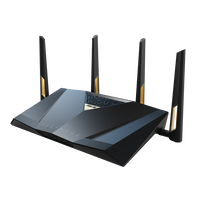
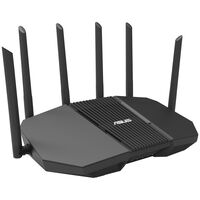
Routers
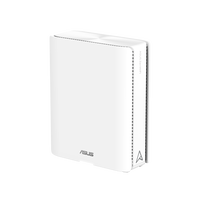
A router connects your home network to the internet. The internet connection is then provided to devices such as PCs, laptops, or smart TVs via a LAN cable or Wi-Fi.
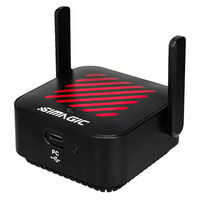
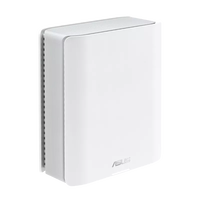
Mesh Systems & Repeaters
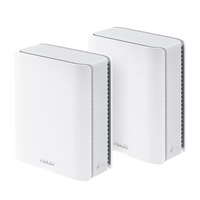
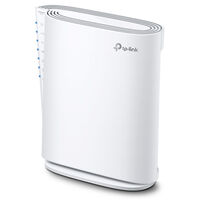
Especially in larger homes, a single router is often not enough to provide a stable internet connection everywhere. Mesh systems & repeaters provide better Wi-Fi coverage, particularly in areas such as basements or attics.
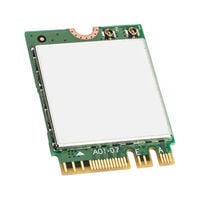
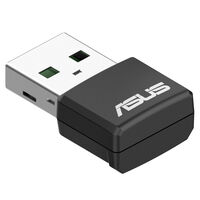
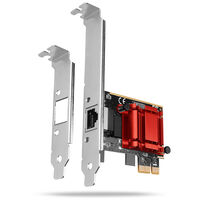
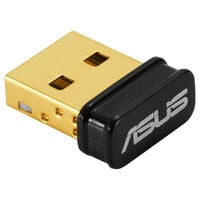
Network Cards
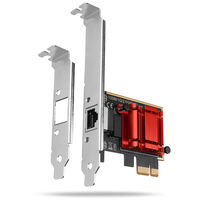
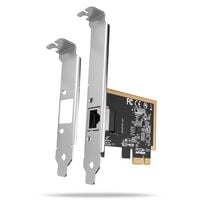
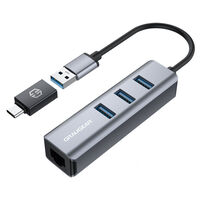
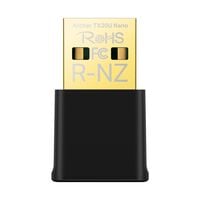
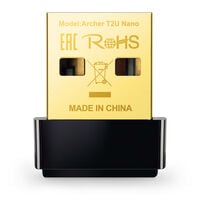
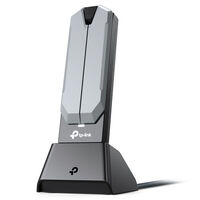
Network cards add LAN or Wi-Fi connectivity to your device or provide an additional LAN interface.
PowerLAN
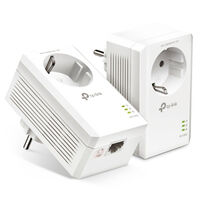
PowerLAN transmits network data over existing power lines and outputs it via LAN at another adapter.
NAS: Store Data Centrally on Your Network
Network Attached Storage systems are particularly useful if you want to store files and backups centrally on a network and access them from multiple devices. Transfer speeds depend on factors such as the NAS network interfaces, network speed, and the drives and devices being used.
LAN or Wi-Fi?
The main difference between LAN and Wi-Fi is the type of connection: LAN is wired, while Wi-Fi (Wireless LAN) is wireless. LAN connections are generally more stable because they are not affected by wireless interference or distance from the router. Wi-Fi has the advantage that no cable needs to be installed, allowing you to use your device more flexibly in different locations around your home.
LAN is not necessarily faster than Wi-Fi – this depends on factors such as the Wi-Fi standard and the maximum speed of your internet plan – but LAN generally allows for more consistent data rates.
If you need the most stable possible connection for your gaming PC, NAS, or console, LAN is usually the better choice. If you prefer a wireless connection, Wi-Fi is the better option. Modern Wi-Fi standards can also provide very stable connections.
What Should You Consider When Buying Networking Hardware?
Network Speed
Ethernet speed indicates the maximum data rate at which a network connection can transfer data. For home networks and current consumer products, 1, 2.5, 5, and 10 Gbit/s are particularly relevant. Actual speeds depend on the network standard and device being used. The maximum speed of an internet connection is also limited by your internet plan.
Frequency Band
Wi-Fi operates on 2.4, 5, or 6 GHz. The 2.4 GHz band penetrates walls more effectively but is more congested and therefore often slower. The 5 GHz band enables higher data rates but has a shorter range. The 6 GHz band is supported by Wi-Fi 6E and Wi-Fi 7, offers very high data rates and is generally less congested, but also has a shorter range. Which frequency bands you can use depends on your device and router.
Wi-Fi Standards
The Wi-Fi standard determines which speeds, frequency bands, and features your wireless network supports. Current devices commonly support Wi-Fi 5, Wi-Fi 6, Wi-Fi 6E, and Wi-Fi 7. Newer standards generally enable higher data rates and more efficient use of the wireless network, which can be particularly noticeable when many devices are connected at the same time.
Wi-Fi 6 and Wi-Fi 7 are therefore particularly useful for households with numerous smartphones, laptops, smart TVs, consoles, and other Wi-Fi devices.
Wi-Fi 6E and Wi-Fi 7 can also use the 6 GHz frequency band, which can provide more available bandwidth and less congested wireless channels. For the best possible Wi-Fi performance, both your router and connected devices should support the respective standard. Upgrading to a newer Wi-Fi standard can therefore be particularly worthwhile if you need high data rates for gaming, streaming, or large downloads, or if many devices use your network at the same time.
FAQ – Network & Wi-Fi
Which Is Better: LAN or Wi-Fi?
LAN provides a wired and particularly stable network connection and is suitable for gaming PCs, NAS systems, or smart TVs, for example. Wi-Fi, on the other hand, provides a flexible wireless connection for laptops, smartphones, tablets, and other mobile devices. Which option is better depends on your use case and the layout of your home.
What Is an Access Point and When Do I Need One?
An access point adds Wi-Fi to a wired network or improves Wi-Fi coverage in a specific area. It connects to the existing network via a LAN cable. Unlike a Wi-Fi repeater, an access point receives its network connection directly via cable, which generally enables higher and more consistent data rates.
What Is PoE Used for in a Network?
PoE stands for Power over Ethernet and allows compatible network devices to receive both data and power through a single LAN cable. This is useful for access points, IP cameras, and other network devices when no separate power socket is available at the installation location. Both the connected device and the switch or PoE injector must support the required PoE standard.
How Can I Improve My Wi-Fi Range?
Mesh systems and Wi-Fi repeaters can improve Wi-Fi coverage. Mesh systems are particularly suitable for larger flats or houses, while repeaters can target specific areas with weak reception. Alternatively, PowerLAN can transmit network data over the existing electrical wiring.
When Do I Need a Network Switch?
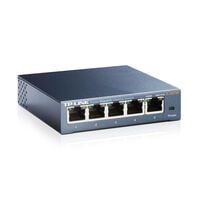
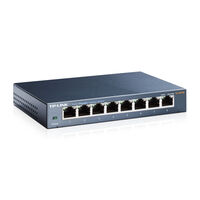
A network switch is useful when you want to connect more devices via LAN than there are network ports available on your router. A switch can connect devices such as PCs, games consoles, NAS systems, or smart TVs to the same wired network.