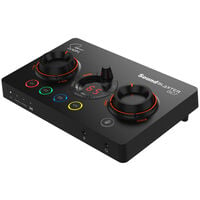
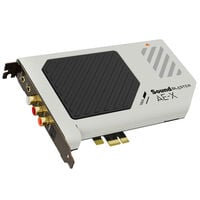
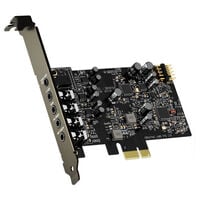
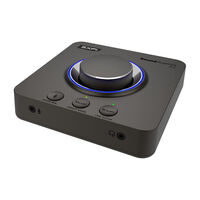
Sound cards add extra audio connections and features to your PC or laptop.
Sound Cards
Sound cards handle the audio input and output of your PC. They can provide additional connections, higher output power and extra features for gaming, voice communication and multichannel audio. Both internal and external sound cards are available.
When Is a Sound Card Worth It?
The onboard audio of a motherboard is sufficient for everyday audio playback. A sound card is particularly useful when you need additional connections, your headphones require more output power or you want extra microphone features for streaming or gaming.
External vs. Internal Sound Cards
External USB sound cards are usually connected via a USB port. In addition to extra audio connections, they often provide easily accessible controls such as buttons and dials, and can be used with both PCs and laptops.
Internal sound cards are installed in a free PCIe slot in your PC. The audio connections are located directly on the back of the computer. They are particularly suitable for stationary desktop setups and do not require additional desk space.
If you mainly need high-quality audio output for headphones or speakers, amplifiers and DACs can also be a suitable alternative to a sound card.
FAQ – Sound Cards
Can I Use an External Sound Card with a Laptop?
Yes, as long as the laptop has a compatible USB or USB-C port and the operating system is supported. Check the manufacturer's specifications for driver and compatibility information before purchasing.
Which Sound Card Do I Need for 7.1 Surround Sound?
For a true 7.1 sound system, you need a sound card that supports eight audio channels and provides the appropriate outputs. Virtual 7.1 sound for headphones, on the other hand, is simulated by software and does not require eight physical outputs.
When Do I Need a Sound Card with a Headphone Amplifier?
An integrated headphone amplifier can be useful for headphones that are too quiet when connected to the existing audio output or are not driven adequately. Check the headphone impedance range supported by the manufacturer.
Does a Sound Card Require Its Own Driver?
Basic USB sound cards are often detected automatically by the operating system. However, additional manufacturer software may be required for features such as equalizers, microphone filters or virtual surround sound.