


AMD Motherboards
Find AMD motherboards for Ryzen CPUs with AM4 or AM5 sockets – from affordable B550 boards for DDR4 systems to B850, X870 and X870E motherboards with DDR5, PCIe 5.0, USB4 and WiFi 7.
215 Results
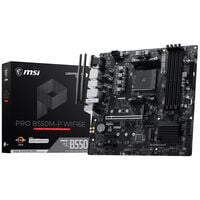
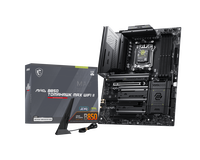
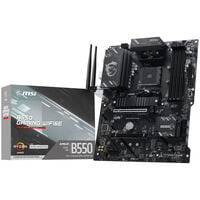

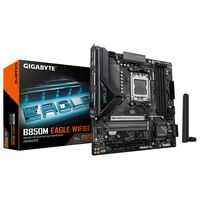
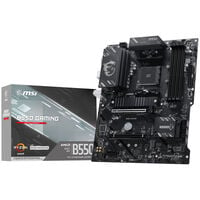
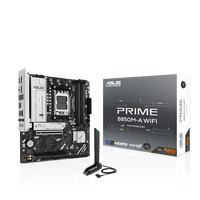
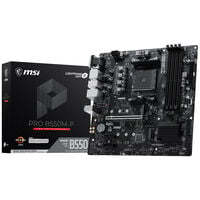
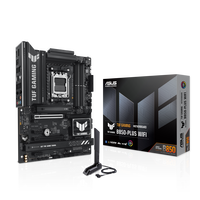
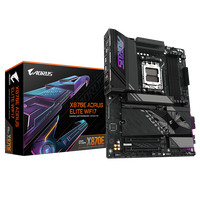
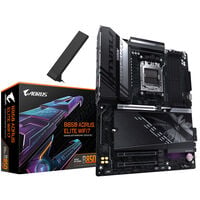
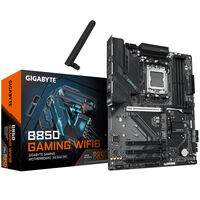
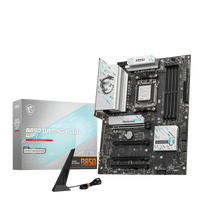
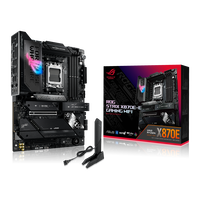
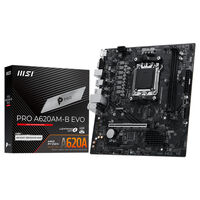
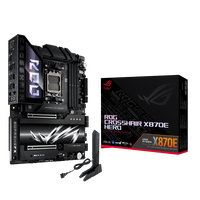
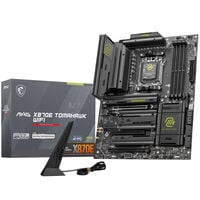
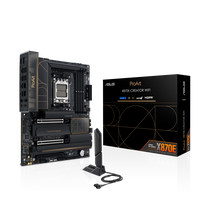
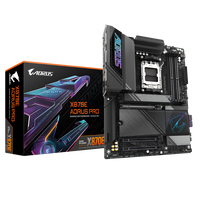
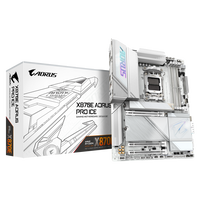
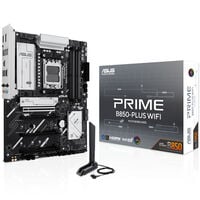
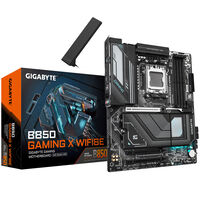
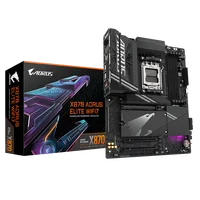
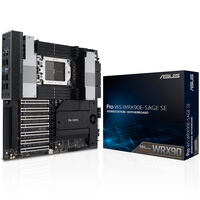
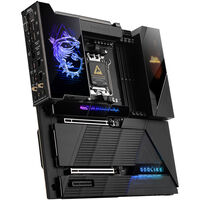
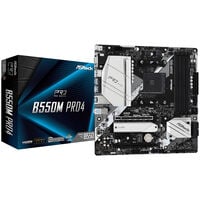
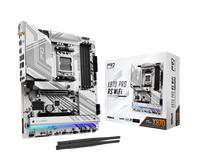
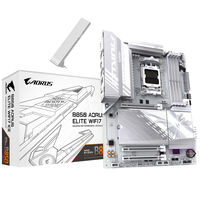
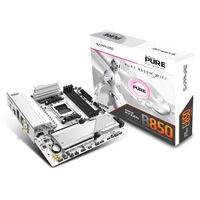
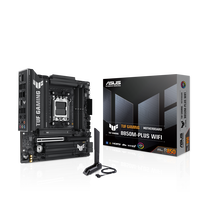
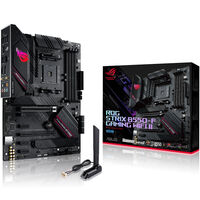
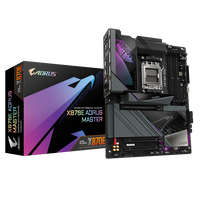
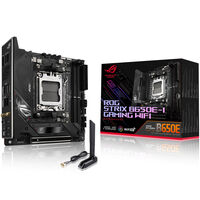
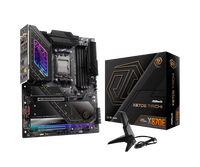
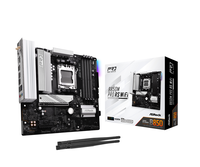
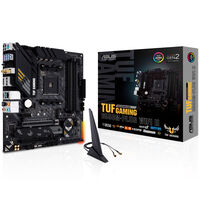
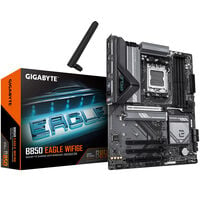
AMD Motherboards for AM4 and AM5 CPUs
AMD motherboards are the foundation of gaming PCs, creator systems and workstations powered by Ryzen processors. For standard desktop PCs, AM4 and AM5 motherboards are the main focus, while separate sTR5 motherboards are designed for Ryzen Threadripper workstations. In addition to CPU compatibility, they determine supported memory standards such as DDR4 or DDR5, available PCIe interfaces, connectivity options and expansion capabilities.
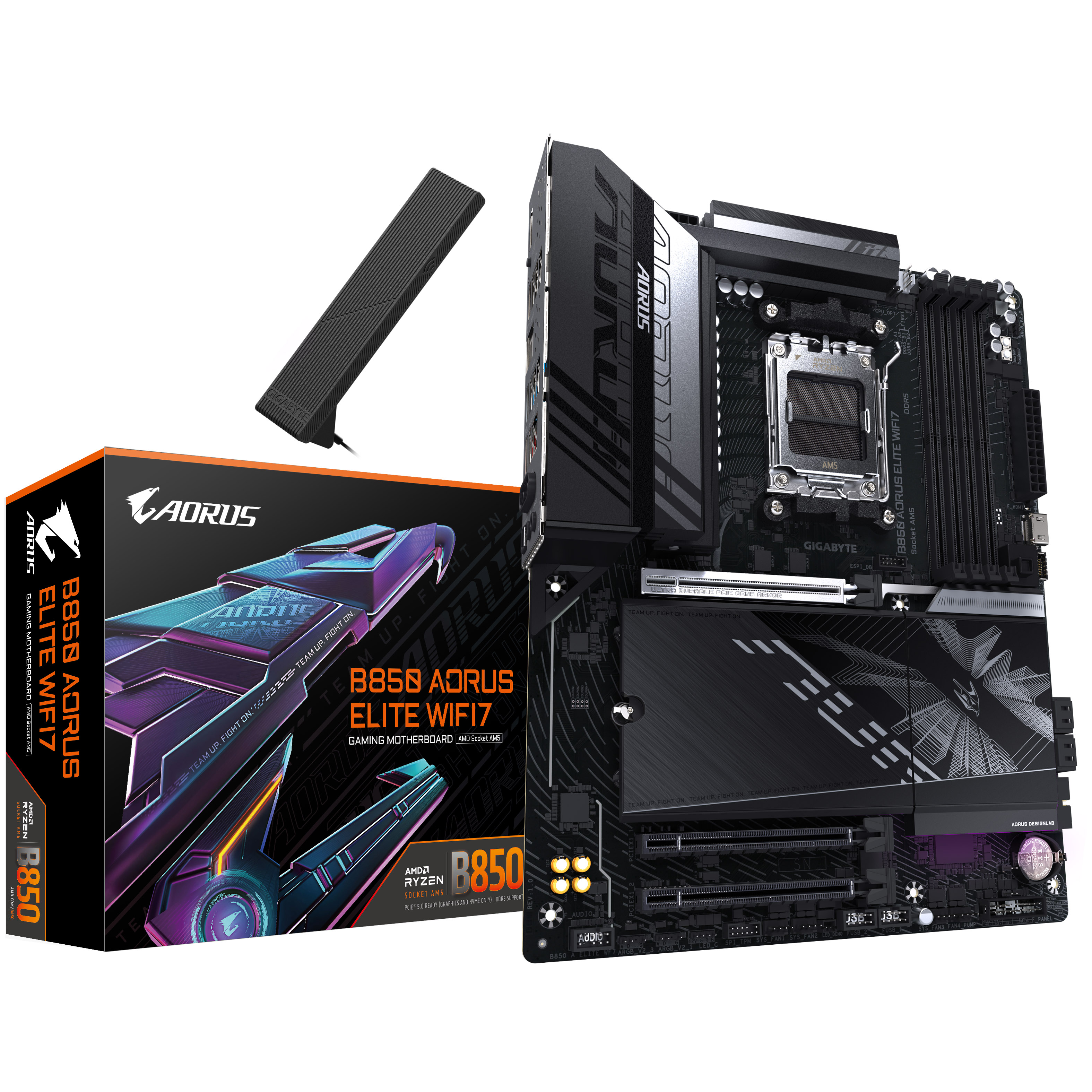
The Key Differences Between AM4 and AM5 Motherboards
Not all motherboards are the same - when choosing the right motherboard, you should pay attention to the differences between AMD platforms. Not every CPU fits every motherboard, and not every type of RAM can be installed.
| Feature | AM4 | AM5 |
|---|---|---|
| CPU Compatibility | AMD Ryzen 1000 to 5000 | AMD Ryzen 7000 and newer |
| PCI Express Version | PCIe 3.0 & 4.0 | PCIe 4.0 & PCIe 5.0 |
| RAM | DDR4 | DDR5 |
Which Platform Is Right for You?
Whether AM4 or AM5 is the better platform depends mainly on your planned use case and available budget. If you want to use current technologies such as DDR5 RAM, PCIe 5.0 and X3D CPUs like a Ryzen 5 7500X3D or a Ryzen 7 9800X3D, choose a motherboard with an AM5 socket.
AM4 motherboards, on the other hand, still offer an attractive foundation for budget-conscious PCs and are particularly suitable for existing Ryzen processors and DDR4 memory.
The Connections of an AMD Motherboard
Modern motherboards offer a wide range of connections.
- M.2 SSDs: Fast NVMe SSDs are installed directly on the motherboard. Depending on the chipset, they support PCIe 3.0, PCIe 4.0 and PCIe 5.0
- Graphics Cards: Graphics cards are connected via PCIe 3.0, 4.0 or 5.0 depending on the model and motherboard chipset.
- USB Ports: AMD motherboards offer different USB standards depending on the model – from USB 2.0 and USB 3.x to USB-C and USB4.
- WiFi, LAN and Bluetooth: LAN ports with 1 Gbit/s or more are supported by every motherboard. Whether WiFi and Bluetooth are available depends on the motherboard
B840, B850, X870 or X870E: Which AMD Chipset Is Worth It?
With AMD motherboards, you will come across A-, B- and X-series chipsets. A-series motherboards are designed for office applications and everyday tasks. The B-series, on the other hand, is excellent for gaming, although it should be noted that there are two different B-series chipsets.
Within the B-series, B840 and B850 are available for different requirements. While the B840 series focuses on the most important functions, B850 motherboards offer more extensive equipment and additional features for gaming PCs
The X-series is aimed at enthusiasts and demanding users. In addition to extensive overclocking functions, these motherboards offer a powerful power supply as well as numerous connection and expansion options. Models with the “E” suffix support particularly extensive PCIe 5.0 connections for graphics cards and NVMe SSDs and offer more USB and SATA ports.
Find the Right AMD Gaming Motherboard for You
Whether AM4 or AM5 socket - you can find motherboards for both platforms, from entry-level to high-end.
| AM5 | AM4 | |
|---|---|---|
| Entry-Level | A620 / B840 | A520 |
| Mid-Range | B650 / B850 | B550 |
| High-End | X670 / X670E / X870 / X870E | X570 |
For current AM5 systems, B850 is a strong choice for gaming PCs and all-round systems, as the chipset supports DDR5, CPU overclocking and PCIe 5.0 for fast NVMe SSDs. B840 is aimed more at budget-conscious builds with essential equipment. X870 and X870E offer more high-end features, USB4 and a particularly large number of connection and expansion options. X870E is the right choice if you want maximum PCIe 5.0 connectivity for your graphics card and SSDs.
sTR5 Socket: Motherboards for Workstation PCs
In addition to the AM4 and AM5 platforms designed for gaming and everyday tasks, there are also motherboards with the sTR5 socket. These are specially designed for Ryzen Threadripper processors and equipped with additional features. They have significantly more PCIe lanes, a more stable power supply and support for more ECC RAM. This makes them ideal for workstations.
FAQ – AMD Motherboards
Which AMD motherboard is compatible with my processor?
Compatibility depends on the socket and chipset used. Make sure that the motherboard and processor support the same platform.
Do AMD motherboards support overclocking?
Many AMD motherboards support overclocking compatible processors and memory. The extent depends on the specific model.
Which AMD motherboard do I need for Ryzen 7 9800X3D?
For a Ryzen 7 9800X3D, an AM5 motherboard with B850 or better is recommended.
What is the difference between X870 and X870E?
Motherboards with an X870E chipset have twice as many USB and SATA ports as X870 motherboards. They are also equipped with more PCIe lanes for expansion cards.
Do I need BIOS Flashback on an AMD motherboard?
BIOS Flashback is especially useful if you want to use a new AMD motherboard with a newer Ryzen CPU. On many motherboards, it allows the BIOS to be updated even without an installed processor, memory or graphics card. Whether this function is available depends on the specific model.
Do AMD motherboards support PCIe 5.0?
That depends on the model and chipset. Many current AM5 motherboards offer PCIe 5.0 – depending on the equipment, for M.2 SSDs, graphics cards or both. Pay attention to the specifications of the specific motherboard.
What is the difference between AM5 and sTR5?
Motherboards with an AM5 socket are designed for gaming CPUs from Ryzen 7000 to 9000. Only Ryzen Threadripper CPUs can be installed on sTR5 motherboards.
Do I need a BIOS update for my new AMD motherboard?
In some cases, a BIOS update may be required to support newer processors or functions.
How long can I keep using AM5?
AMD has announced support for the AM5 platform through 2029. This gives AM5 a long-term upgrade perspective for future Ryzen generations.