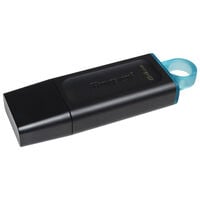
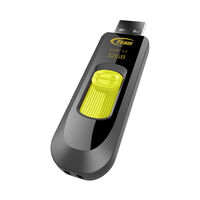
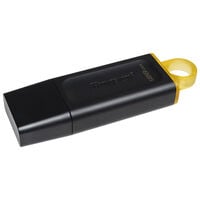
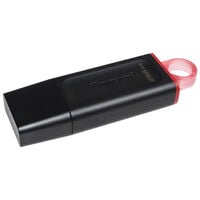
USB flash drives with USB-A, USB-C, or dual connectors for PCs, laptops, and smartphones. Choose the right model based on storage capacity and speed.
USB Flash Drives
USB flash drives are highly compact storage devices that are easy to transport. Models are available with USB-A and USB-C connectors, as well as drives featuring both. Depending on compatibility, they can be connected to PCs, laptops, and smartphones.
USB Standards and Speed
With USB flash drives, the connector type and transfer speed are separate specifications. USB-A and USB-C describe the connector – USB-A ports are wider, while USB-C ports are narrower.
USB 2.0, USB 3.0, USB 3.1, and USB 3.2 indicate how quickly data can be transferred. USB 3.2 Gen 2x2 supports speeds of up to 20 Gbit/s and is available only via USB-C.
However, the actual transfer speed of a USB flash drive also depends on the installed flash memory and controller. Always compare the specified read and write speeds of the individual model.
What Are USB Flash Drives Suitable For?
PC and Laptop
Transfer files and media between different computers.
Smartphone and Tablet
Transfer data between smartphones and tablets. Compatibility depends on the device, operating system, and file system.
TV and Car Stereo
Store media such as music, images, videos, and TV series.
Boot and Installation Media
USB flash drives are ideal for installing operating systems or as recovery media. To install an operating system, the USB flash drive must be made bootable. The required file system depends on the operating system, installation software, and target device.
For regular backups, particularly large amounts of data, or frequent file transfers, external hard drives are usually the better choice.
FAQ – USB Flash Drives
How Much Storage Should a USB Flash Drive Have?
The right storage capacity depends on how you intend to use the drive. For documents and presentations, 32 or 64 GB is often sufficient. For photos, videos, and larger files, 128 or 256 GB is a good choice. USB flash drives with 512 GB, 1 TB, or more are suitable for large data collections.
What Is the Difference Between USB-A and USB-C?
USB-A is the traditional rectangular connector found on many PCs and laptops. USB-C is more compact, reversible, and widely used on modern notebooks, tablets, and smartphones. Dual USB flash drives feature both connector types.
Is a USB-C Flash Drive Automatically Faster?
No. USB-C primarily describes the shape of the connector. The actual transfer speed depends on the supported USB standard, the installed memory, the controller, and the port on the connected device.