


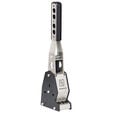
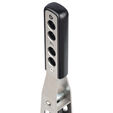
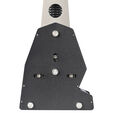
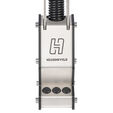
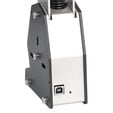
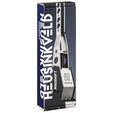
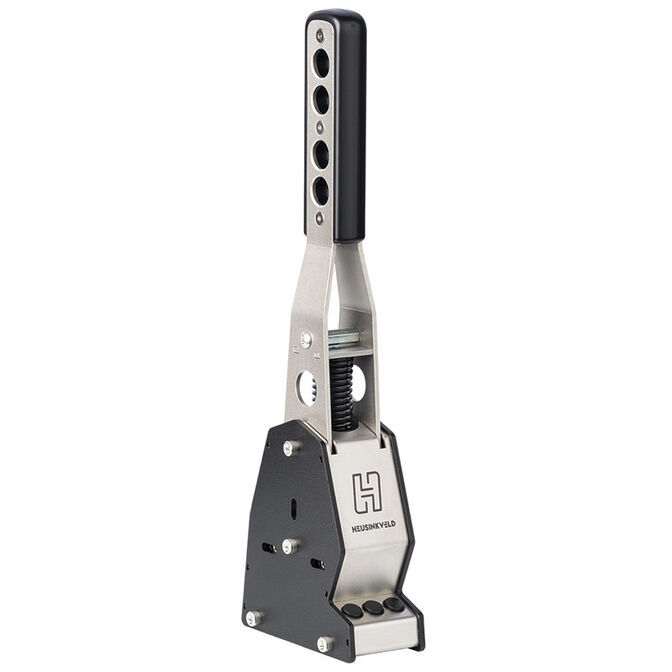
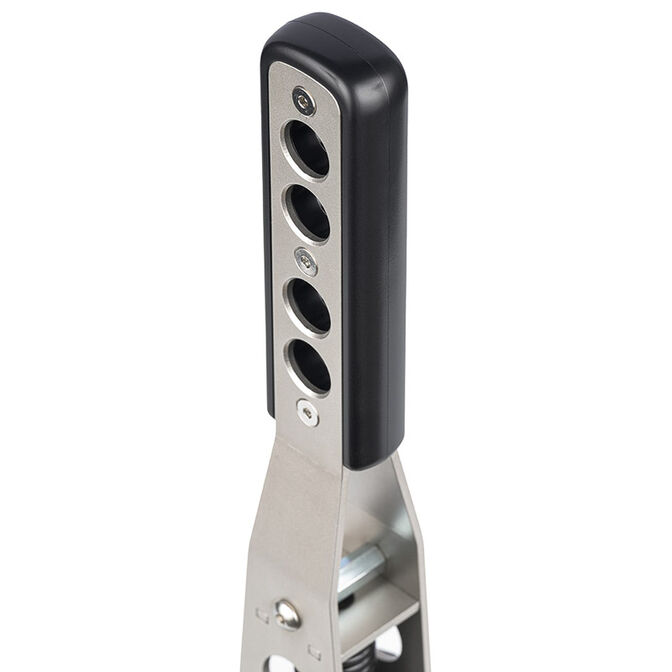


Heusinkveld MagShift
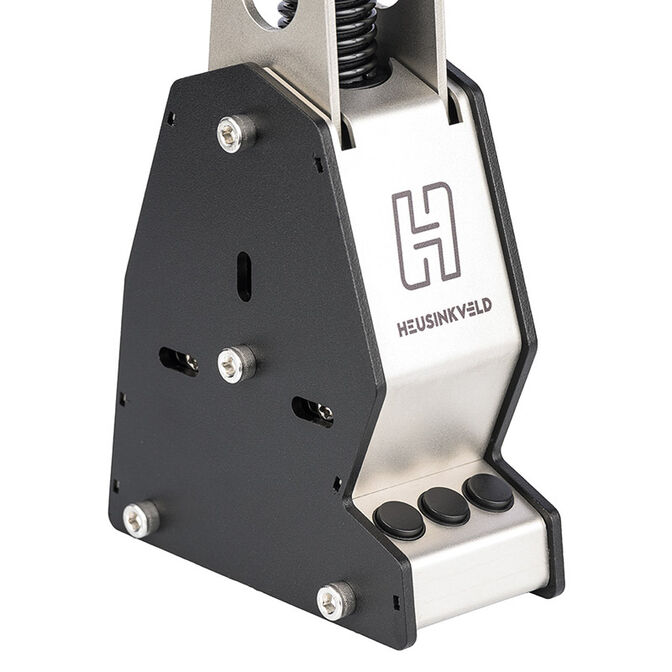
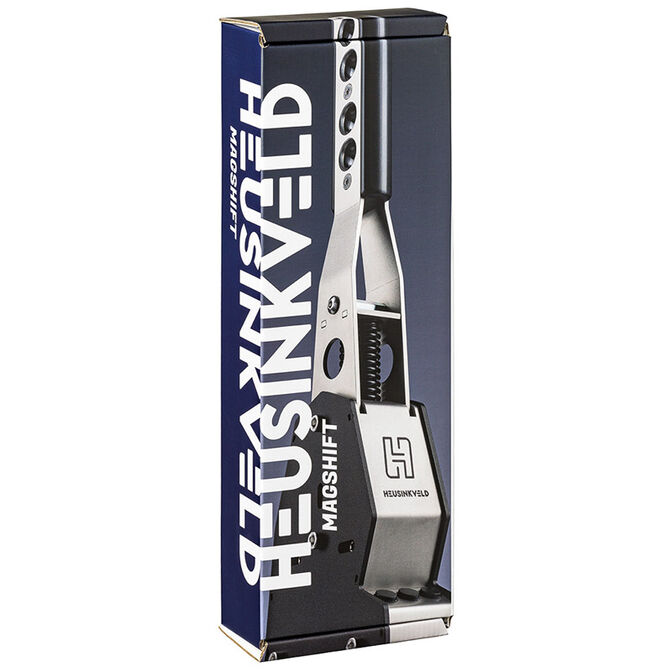
Gear lever for racing simulators, Integrated button box, Three extra buttons, Magnetic switches for best shifting operations
389,00 €
Incl. VAT, add. delivery costs starting from 4.99€
The most versatile sequential shifter on the market. Patented magnetic shift system, individually adjustable upshift, downshift and overall force. High forces (up to 11kg at the lever) from a compact design, reliable shift detection with opto-electronic sensors. Configure up to 10 fully customizable outputs using the gear lever and the 3 extra buttons with SmartControl.
Feel the gears click into place with the innovative magnetic shift system.
MagShift is the perfect sequential shifter for rally cars, GT’s, touring cars and classic racing. Upgrade your simulator with the most versatile shifter available, packed with extra features.
Heusinkveld MagShift is a large, GT-style sequential shifter packed with extra features. The compact base-unit houses the innovative magnetic shift system which simulates the feel of an actual gear clicking into place.
Adjustability
The magnetic shift system is 3-way adjustable. The overall force, upshift force and downshift force can all be set individually. This for example allows you to set a firm upshift and soft downshift if you wish to do so.
Set your preferred peak force anywhere between 4,5 and 11kg. At the firmest setting you’ll be able to simulate the shifter forces as experienced in real race cars.
The graph shows the shifter force for any position of the lever at the softest, medium and hardest MagShift setting.
Sensors & Electronics
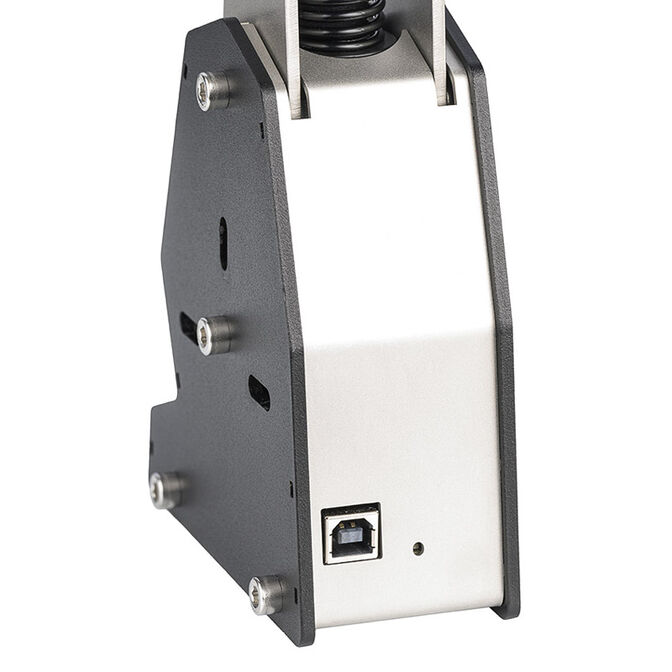
Opto-electronic sensors are used to detect shifts. This means that there is no wear on electronic components, ensuring reliable operation for years to come. The system is plug-and-play, after connecting MagShift via USB you can immediately assign functions in your favorite simulator software.
Mini button box
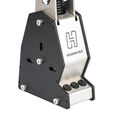
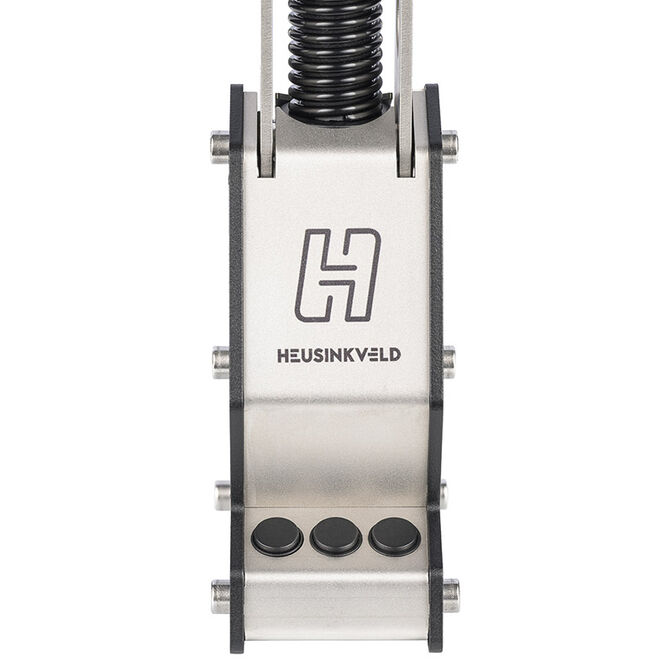
Be in control with the 3 extra buttons in the base of the MagShift. Buttons can be assigned to any available function in your favourite simulator software.
Extra functions can be unlocked when you install Heusinkveld SmartControl software. With SmartControl, you can set up to 10 fully customizable outputs using the lever and the 3 buttons. You can trigger multiple outputs simultaneously, delayed or independently from a single input.
With Heusinkveld SmartControl you have the option to expand the outputs of the lever and the 3 extra buttons to a total of 10 fully customizable outputs. You can configure and customize the outputs using the easy-to-use editor in SmartControl.
For every single input you can configure a primary and secondary output. An output can be a selectable joystick button or any keyboard keystroke (including modifier keys such as Shift, Ctrl, Alt etcetera).
The primary and secondary output can be triggered simultaneously, delayed or independently. The functions are time-bound. How long you press a button or push/pull the lever determines whether the primary, secondary or both outputs are triggered.
You may want to use different settings depending on the car of software you drive. You can store different settings into a profile and change them with a few mouse clicks.
Shared profiles with other SmartControl compatible products
If you have other Heusinkveld products which use SmartControl, it is possible to create a single profile which includes multiple SmartControl compatible Heusinkveld devices. This allows you to change MagShift, Handbrake and pedal settings all at once.
SmartControl Live
SmartControl Live is software which is designed to run in the background while using your simulator. It allows you to switch between profiles created using SmartControl while driving. With MagShift, a possible use case would be to change the direction of up- and downshifts and the touch of a button.
If you want to learn more about SmartControl & SmartControl Live, make sure to check out the overview.
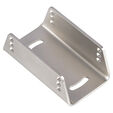
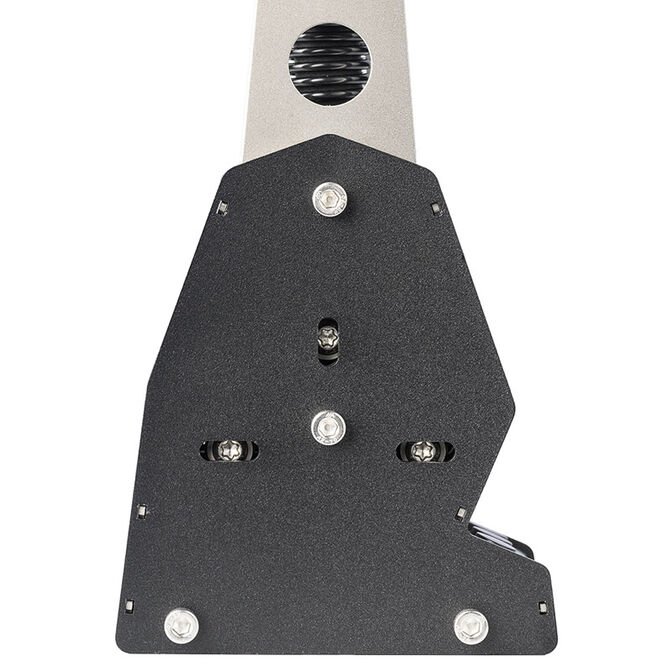
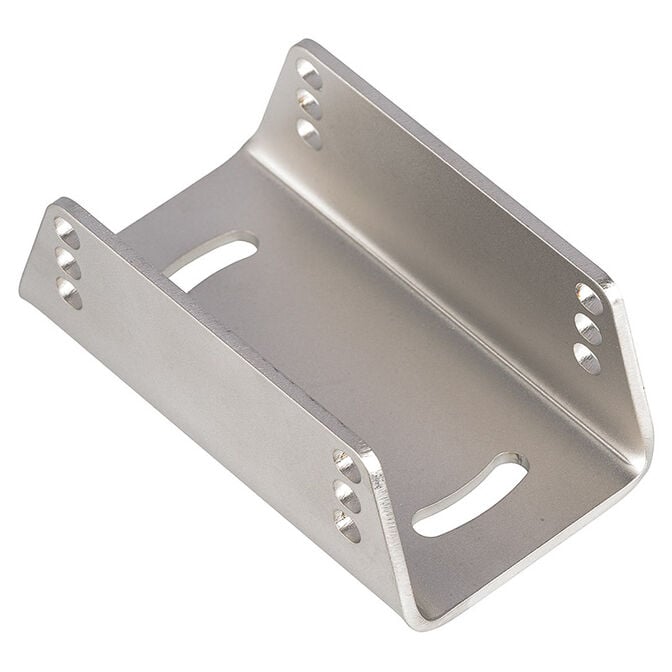
Every MagShift comes with a U-shaped mounting bracket which makes mounting the shifter to your simulator super easy.
The U-brackets mounts to your simulator with just 2 bolts, ensuring a narrow profile of the overall installation. The MagShift is then attached to the bracket.
When mounted onto aluminium profiles, the MagShift only requires a single profile slot for mounting.
Mounting adjustments & dimensions
The mounting bracket allows for several adjustments to fine-tune the position of your MagShift.
Mounting materials
Mounting materials are supplied in order to attach the MagShift to most common simulator platforms. A selection of bolts (2 lenghts) and nuts (flange nuts and guided I-type slot 8 T-nuts) are included in the package. This makes installing the MagShift, especially onto aluminium profiles, super easy.
Feel the gears click into place with the innovative magnetic shift system.
MagShift is the perfect sequential shifter for rally cars, GT’s, touring cars and classic racing. Upgrade your simulator with the most versatile shifter available, packed with extra features.
Heusinkveld MagShift is a large, GT-style sequential shifter packed with extra features. The compact base-unit houses the innovative magnetic shift system which simulates the feel of an actual gear clicking into place.
Adjustability
The magnetic shift system is 3-way adjustable. The overall force, upshift force and downshift force can all be set individually. This for example allows you to set a firm upshift and soft downshift if you wish to do so.
Set your preferred peak force anywhere between 4,5 and 11kg. At the firmest setting you’ll be able to simulate the shifter forces as experienced in real race cars.
The graph shows the shifter force for any position of the lever at the softest, medium and hardest MagShift setting.
Sensors & Electronics
Opto-electronic sensors are used to detect shifts. This means that there is no wear on electronic components, ensuring reliable operation for years to come. The system is plug-and-play, after connecting MagShift via USB you can immediately assign functions in your favorite simulator software.
Mini button box
Be in control with the 3 extra buttons in the base of the MagShift. Buttons can be assigned to any available function in your favourite simulator software.
Extra functions can be unlocked when you install Heusinkveld SmartControl software. With SmartControl, you can set up to 10 fully customizable outputs using the lever and the 3 buttons. You can trigger multiple outputs simultaneously, delayed or independently from a single input.
With Heusinkveld SmartControl you have the option to expand the outputs of the lever and the 3 extra buttons to a total of 10 fully customizable outputs. You can configure and customize the outputs using the easy-to-use editor in SmartControl.
For every single input you can configure a primary and secondary output. An output can be a selectable joystick button or any keyboard keystroke (including modifier keys such as Shift, Ctrl, Alt etcetera).
The primary and secondary output can be triggered simultaneously, delayed or independently. The functions are time-bound. How long you press a button or push/pull the lever determines whether the primary, secondary or both outputs are triggered.
You may want to use different settings depending on the car of software you drive. You can store different settings into a profile and change them with a few mouse clicks.
Shared profiles with other SmartControl compatible products
If you have other Heusinkveld products which use SmartControl, it is possible to create a single profile which includes multiple SmartControl compatible Heusinkveld devices. This allows you to change MagShift, Handbrake and pedal settings all at once.
SmartControl Live
SmartControl Live is software which is designed to run in the background while using your simulator. It allows you to switch between profiles created using SmartControl while driving. With MagShift, a possible use case would be to change the direction of up- and downshifts and the touch of a button.
If you want to learn more about SmartControl & SmartControl Live, make sure to check out the overview.
Every MagShift comes with a U-shaped mounting bracket which makes mounting the shifter to your simulator super easy.
The U-brackets mounts to your simulator with just 2 bolts, ensuring a narrow profile of the overall installation. The MagShift is then attached to the bracket.
When mounted onto aluminium profiles, the MagShift only requires a single profile slot for mounting.
Mounting adjustments & dimensions
The mounting bracket allows for several adjustments to fine-tune the position of your MagShift.
Mounting materials
Mounting materials are supplied in order to attach the MagShift to most common simulator platforms. A selection of bolts (2 lenghts) and nuts (flange nuts and guided I-type slot 8 T-nuts) are included in the package. This makes installing the MagShift, especially onto aluminium profiles, super easy.
|
Colour
|
|
|
Primary Colour
|
Silver
|
|
Dimensions
|
|
|
Length / Depth
|
130 mm
|
|
Width
|
72 mm
|
|
Height
|
70 mm
|
|
Weight
|
2.42 kg
|
|
Compatibility
|
|
|
Platform Compatibility
|
PC
|
|
Lighting
|
|
|
Lighting / RGB
|
No
|
Product reviews displayed are aggregated from all Pro Gamers Group websites.