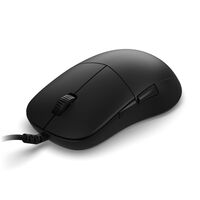
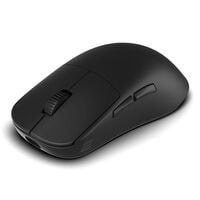
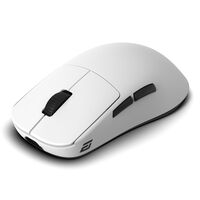
Mice for Every Purpose
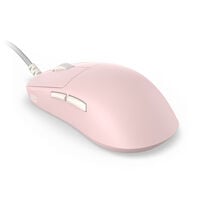
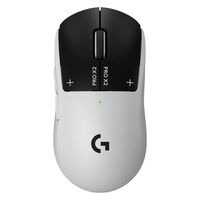
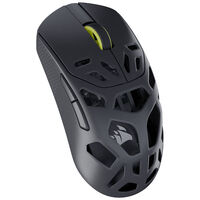
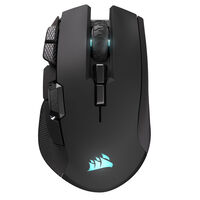
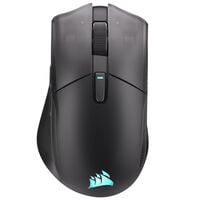
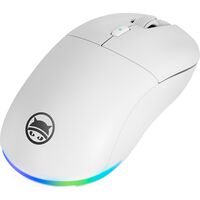
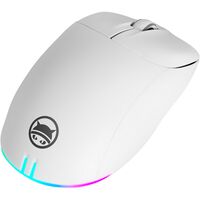
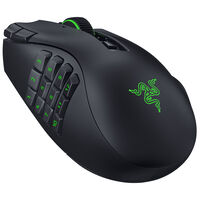
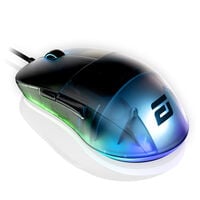
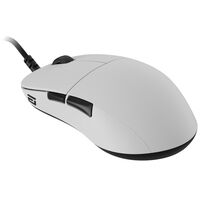
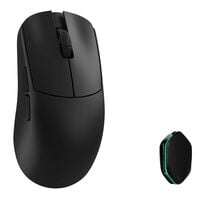
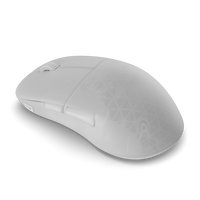
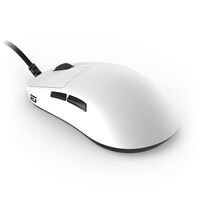
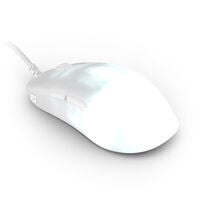
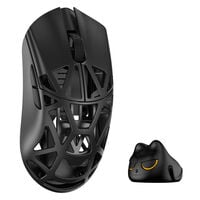
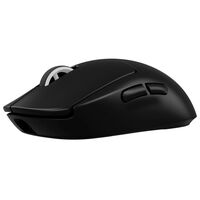
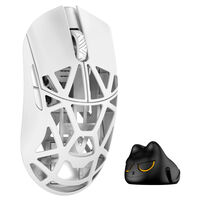
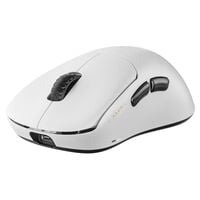
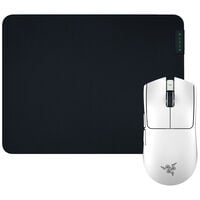
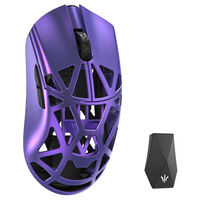
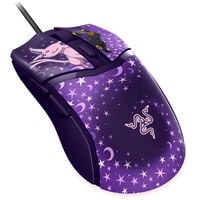
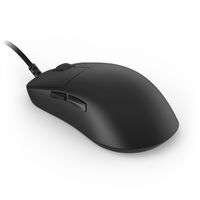
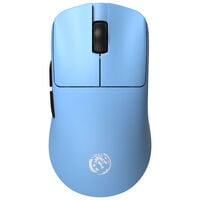
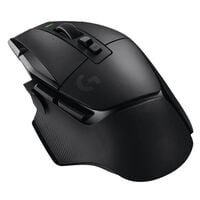
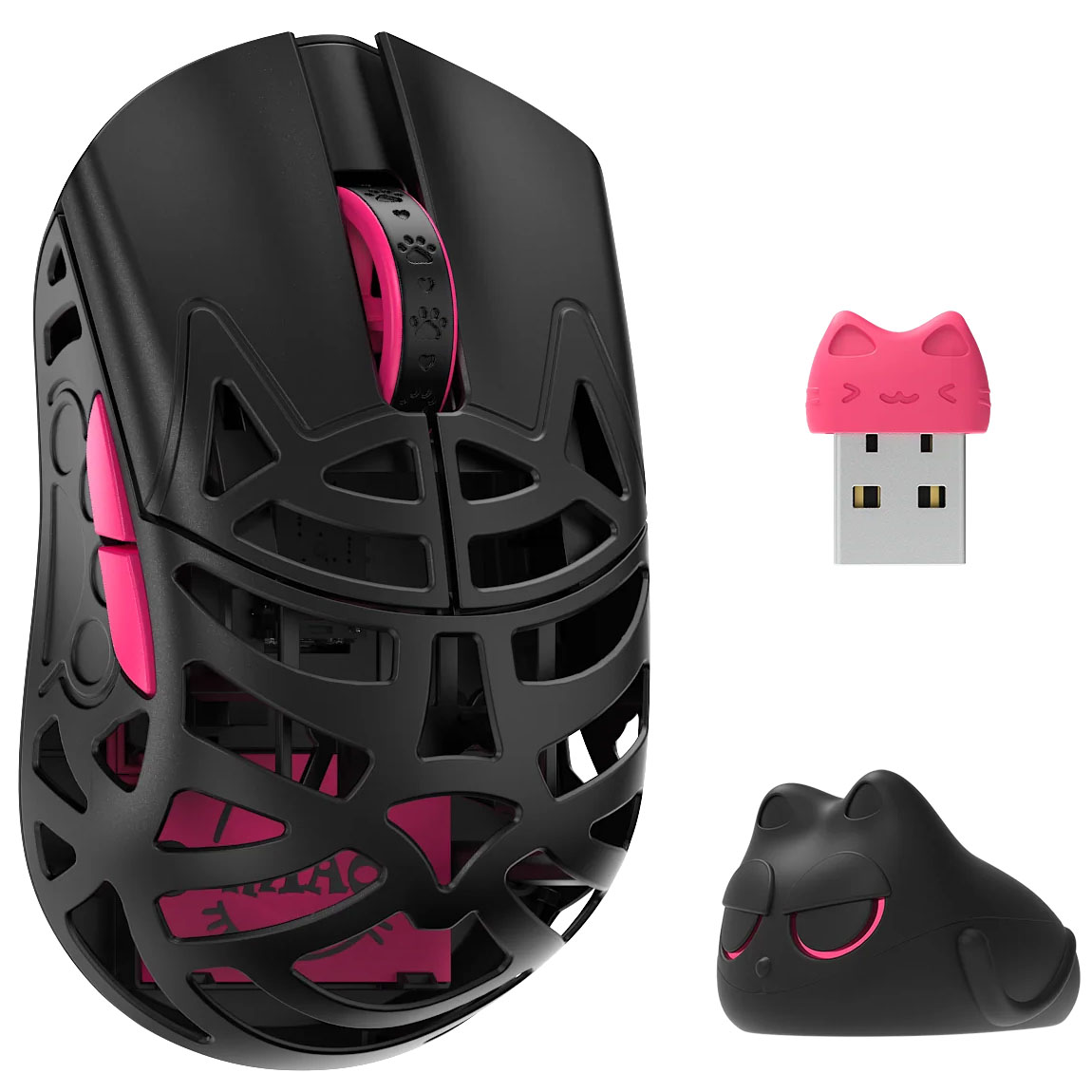
Whether for competitive gaming or everyday office use, choosing the right mouse depends on your requirements and preferences. Our range includes PC mice from manufacturers such as Endgame Gear, Corsair and ATK, available in different shapes and with various features.
Wired or Wireless Mice: Which Is Better for You?
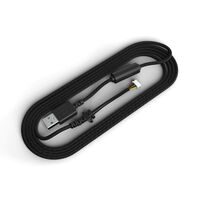
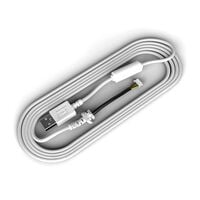
Wired mice connect to your PC via USB and don't require a battery. They are particularly suitable for dedicated gaming and office setups.
Wireless mice, on the other hand, offer greater freedom of movement and help reduce cable clutter on your desk. Depending on the model, they connect via Bluetooth or 2.4 GHz wireless. While Bluetooth is particularly convenient for everyday use and connecting to multiple devices, modern wireless gaming mice with 2.4 GHz connectivity often offer similarly low latency to wired models.
DPI, Sensor and Polling Rate – What Matters Most?
When choosing a mouse, technical specifications are just as important as its shape. In particular, DPI, sensor and polling rate affect how the mouse detects your movements and transmits them to your PC.
| Feature |
What It Means |
What Should You Look For? |
| DPI (Dots per Inch) |
Indicates how sensitive the mouse is to movement |
Adjustable DPI settings allow you to customise mouse sensitivity. Higher DPI doesn't automatically mean greater precision. |
| Sensor |
Tracks the movement of the mouse across a surface |
A precise sensor should track movements reliably without unwanted deviations. Consistent tracking is particularly important for gaming. |
| Polling Rate |
Indicates how often the mouse sends data to your PC per second |
1,000 Hz is sufficient for most applications. Higher values such as 4,000 or 8,000 Hz can further reduce input latency. |
Which Mouse Shape Is Right for You?
The best mouse shape for you depends on your hand size, preferred grip style and intended use. Ergonomic and symmetrical mice mainly differ in how they fit in your hand and which grip styles they support.
- Ergonomic Mice: Designed to suit the natural position of the hand and usually intended for either right-handed or left-handed users. They are particularly suitable if you rest most of your hand on the mouse and prefer a more supportive shape.
- Symmetrical Mice: Feature a largely uniform shape on both sides and often offer greater flexibility in grip style. They are particularly suitable for users who frequently move their mouse with their fingers or switch between different grip styles.
Your grip style also plays an important role when choosing the right mouse:
- Palm Grip: Most of your palm rests on the mouse. Larger, ergonomically shaped mice are often particularly suitable, as they provide support across a larger area of your hand.
- Claw Grip: Your fingers are arched, and your palm usually only touches the rear of the mouse. Medium-sized mice with a pronounced hump often provide a secure grip while allowing fast movements.
- Fingertip Grip: The mouse is held mainly with your fingertips, while your palm doesn't make contact. Compact, lightweight mice are often particularly suitable, as they can be moved easily with your fingers.
What Else Should You Consider When Buying a Mouse?
Besides mouse shape, sensor and connection type, weight and features also play an important role. Particularly lightweight mice allow fast movements with minimal effort, making them especially popular among FPS gamers. Heavier models, on the other hand, are suitable for users who prefer more weight when handling their mouse.
The number of mouse buttons can also be a deciding factor. Additional programmable buttons are particularly useful in MMOs and MOBAs, as frequently used commands or macros can be assigned directly to them. There are also differences in mouse switches, click feel and scroll wheels. Some models, for example, feature a free-spinning scroll wheel, which is particularly convenient when navigating long documents.
For wireless mice, you should also consider battery life. Additional features such as customisable RGB lighting or software for assigning individual button functions may also be important.
Find Out More
Need a new gaming mouse but aren't sure which model is right for you? Find the answer in our Buyer's Guide!
View Buyer's Guide
FAQ – Mice
Which Mouse Is Best for Gaming?
That depends on your playstyle and preferences. Lightweight mice with precise sensors are popular for FPS games, while models with plenty of additional buttons are particularly useful for MMOs. The right mouse shape and a comfortable grip are also important.
What's the Difference Between a Gaming Mouse and an Office Mouse?
Gaming mice often feature high-performance sensors, high polling rates and programmable buttons. Office mice, on the other hand, generally focus more on everyday functionality, quiet clicks and long battery life.
How Much DPI Should a Gaming Mouse Have?
For many gamers, DPI settings between 400 and 1,600 are a good starting point. What matters most is being able to adjust the sensitivity to suit your playstyle. An exceptionally high DPI value doesn't automatically mean greater precision.
Are Wireless Mice as Good as Wired Mice?
Modern wireless gaming mice with 2.4 GHz connectivity can offer similarly low latency to wired models. They provide greater freedom of movement but require a rechargeable battery or disposable batteries.
Which Mouse Is Suitable for Large or Small Hands?
Longer and wider mice may be more comfortable for larger hands, while more compact models are often better suited to smaller hands. Your grip style also influences which mouse shape works best for you.
What Are the Benefits of a High Polling Rate for Gaming Mice?
A higher polling rate means the mouse transmits movement data to your PC more frequently. Values such as 4,000 or 8,000 Hz can reduce input latency, although the difference isn't always noticeable in everyday use.