
PDKT-022
(0)
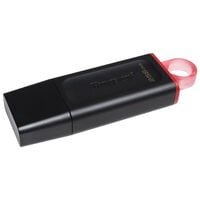
USB stick with 256 GB, supports USB 3.0, Type-A connector, plain design in black, with removable cap for secure transport


Discover high-quality peripherals for your PC setup – from precise input devices and powerful audio solutions to networking equipment, portable storage and power supplies.


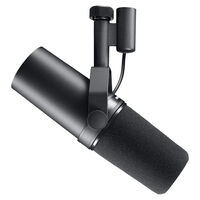
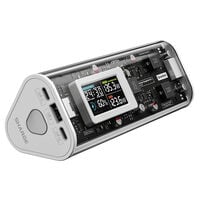
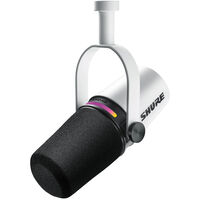
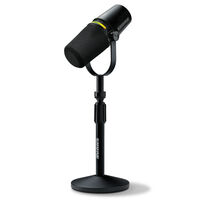
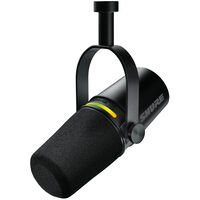


PC peripherals include not only keyboards and mice but also headsets, microphones, webcams and devices for networking, data storage and power supply. Here you'll find suitable peripherals and accessories for gaming, streaming and everyday work.
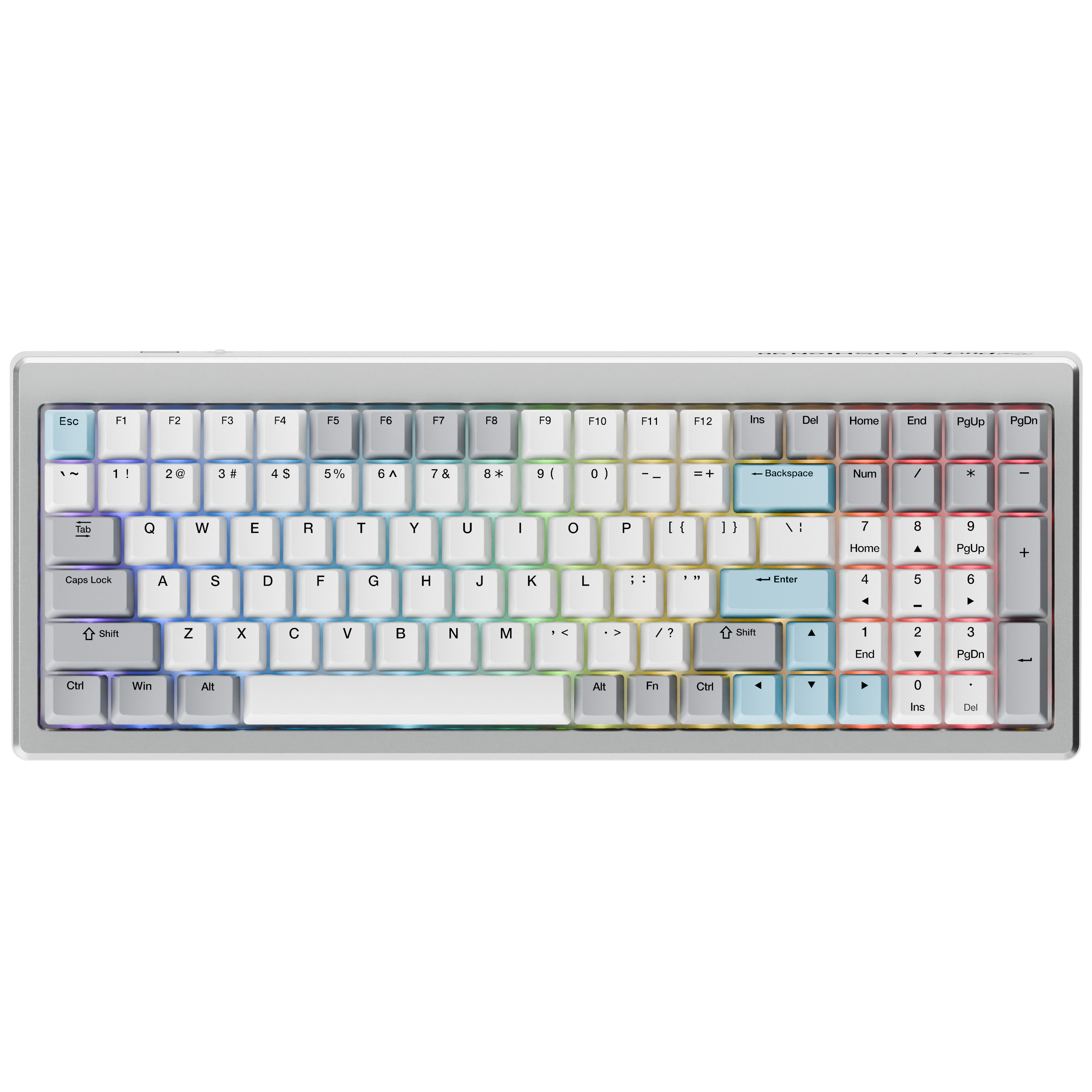
Keyboards and mice are essential parts of your PC setup. Whether you prefer a mechanical gaming keyboard or a wired or wireless mouse, different designs and features allow you to customise your setup. Alternatively, you can control many games with a game controller. Mousepads and desk mats complete your setup.
Gaming headsets combine headphones and a microphone for communication while gaming. Separate microphones offer additional options for streaming and voice recordings. With speakers, you can enjoy the sound of your games and music, while webcams are ideal for video chats and streams.
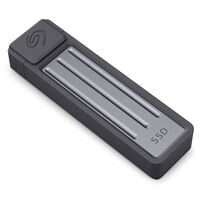
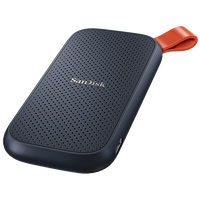
Portable storage devices such as external SSDs allow you to transport and back up your data. Networking and Wi-Fi devices connect your devices to each other and to the internet. USB chargers and power banks provide power for compatible devices at home or on the go.
Laptop accessories expand the capabilities of your notebook. A compatible docking station allows you to connect additional monitors, input devices and other accessories. This makes it easy to integrate your laptop into a desktop setup.
With the right gaming accessories, you can customise your setup to suit your gaming style and personal preferences. Interchangeable keycaps and switches allow you to personalise compatible keyboards, while mouse skates influence how smoothly your gaming mouse glides. Headset stands, microphone arms and other accessories help you keep your desk organised and position your peripherals optimally.
PC peripherals include external devices such as keyboards, mice, headsets, microphones, webcams, storage devices and networking equipment. They expand the functionality of your computer.
The essentials include a monitor, keyboard, mouse or game controller, and a headset or speakers. A separate microphone and webcam can also be useful for streaming and communication.
PC hardware includes all the physical components of a computer. Peripherals are external hardware devices that enable functions such as input, audio playback or additional connections.
Important factors include the intended use, compatibility with your system, and the required features and connections. Ergonomics also play a role when devices are used regularly.
Yes, provided there are enough available ports. USB hubs and docking stations can provide additional connectivity options.
Many devices can also be connected to laptops or consoles. The available ports and compatibility specified by the manufacturer are the deciding factors.
A USB hub increases the number of available USB ports. Docking stations can also provide connections for monitors, networks and other devices.
For streaming, a microphone for voice recordings, a webcam for video and a headset for audio playback are useful.
External SSDs, hard drives and USB flash drives allow you to store files outside your PC. You can find various solutions in our Portable Storage category.
LAN usually provides a more stable connection with less wireless interference, while Wi-Fi offers greater flexibility. You can find suitable hardware in our Networking & Wi-Fi category.