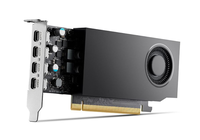
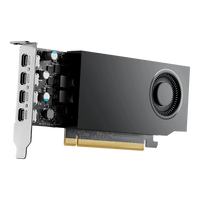
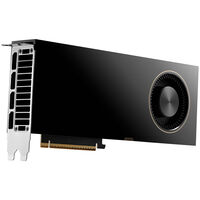
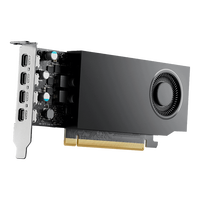
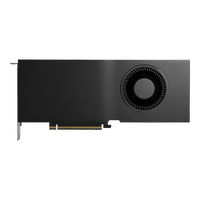
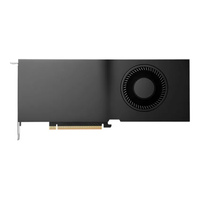
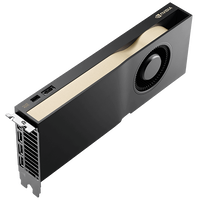
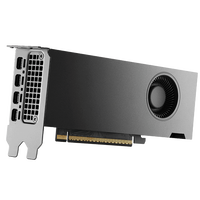
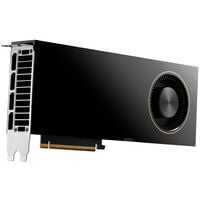
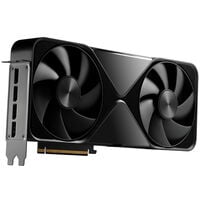
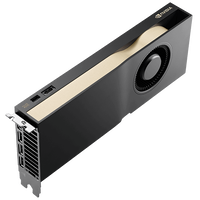
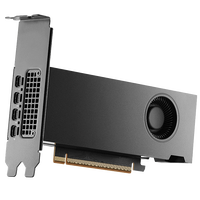
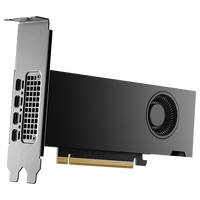
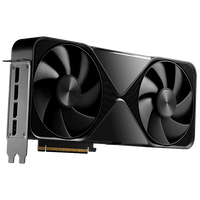
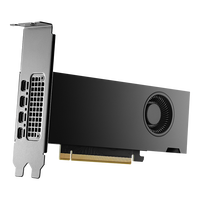
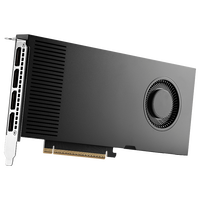
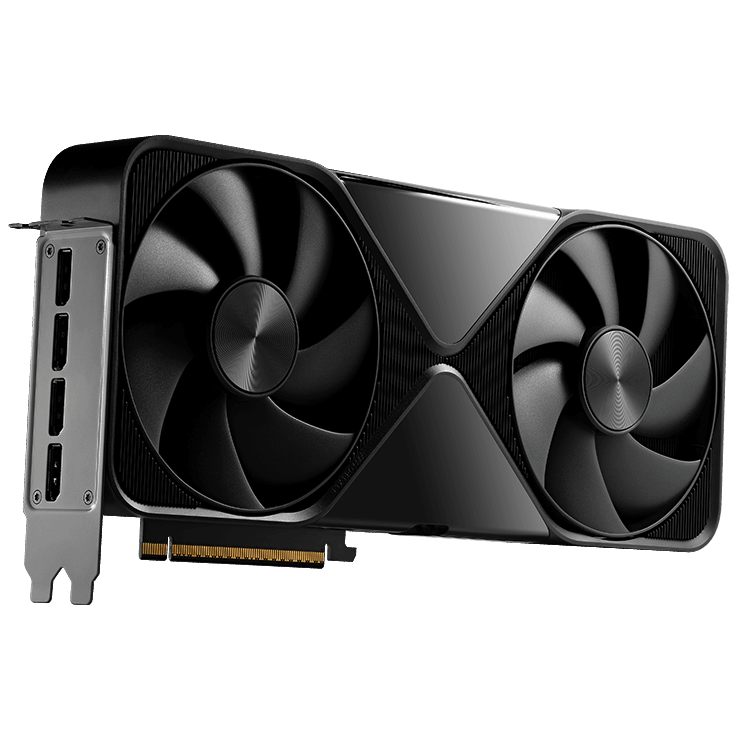
NVIDIA RTX PRO Graphics Cards for Professional Workloads
NVIDIA RTX PRO graphics cards are specifically designed for professional workstations and deliver outstanding performance for AI, CAD, 3D rendering, simulations, visualization, and scientific computing. Unlike gaming graphics cards, many RTX PRO models feature ECC graphics memory, ISV-certified professional drivers, and exceptionally large VRAM capacities for demanding projects and professional workflows.
Discover NVIDIA RTX PRO GPUs for engineering, architecture, media production, and local AI applications.
Which NVIDIA RTX PRO Graphics Card Is Right for Your Workload?
| Workload |
Current RTX PRO Generation |
Previous RTX PRO Generations |
| CAD & Engineering |
RTX PRO 2000 Blackwell |
RTX 2000 Ada, RTX A2000 |
| Architecture & BIM |
RTX PRO 4000 Blackwell, RTX PRO 4500 Blackwell |
RTX 4000 Ada, RTX 4500 Ada, RTX A4000, RTX A4500 |
| Content Creation & Video Editing |
RTX PRO 4500 Blackwell, RTX PRO 5000 Blackwell |
RTX 4500 Ada, RTX 5000 Ada, RTX A4500, RTX A5000 |
| 3D Rendering & Visualization |
RTX PRO 5000 Blackwell, RTX PRO 6000 Blackwell |
RTX 5000 Ada, RTX 6000 Ada, RTX A5000, RTX A6000 |
| AI & Machine Learning |
RTX PRO 6000 Blackwell |
RTX 6000 Ada, RTX A6000 |
The current RTX PRO Blackwell generation delivers the highest performance and latest technologies for professional workstations. At the same time, Ada Lovelace- and Ampere-based RTX PRO models remain powerful alternatives for many CAD, rendering, visualization, and AI workflows. Depending on your budget, software requirements, and existing hardware, both the latest RTX PRO Blackwell GPUs and previous RTX Ada or RTX A series graphics cards can be an excellent choice.
Typical Applications for Workstation Graphics Cards
NVIDIA RTX PRO graphics cards are used wherever maximum graphics performance, reliability, and professional software support are essential. Equipped with powerful CUDA, Tensor, and RT Cores as well as large GDDR7 ECC graphics memory, they are ideal for demanding workloads ranging from product development and media production to AI applications.
- CAD & Engineering: Developing and visualizing complex parts and assemblies in professional CAD software.
- Architecture & BIM: Creating photorealistic architectural visualizations and large-scale Building Information Modeling (BIM) projects.
- 3D Rendering & Animation: GPU-accelerated rendering, animation, and visual effects in professional 3D applications.
- Content Creation & Video Editing: Perfect for high-resolution video workflows, color grading, and editing large media projects.
- Artificial Intelligence & Machine Learning: Training and running local AI models, AI inference, data science, and generative AI.
- Simulation & Scientific Computing: Engineering simulations, scientific research, data analysis, and GPU-accelerated computing.
- Virtual Production & Visualization: Real-time rendering of complex scenes and digital twins for film, television, and industrial applications.
Advantages of an RTX PRO GPU
Professional applications place different demands on a graphics card than gaming. NVIDIA RTX PRO GPUs combine outstanding compute performance with ISV-certified drivers, large graphics memory, and exceptional reliability for continuous operation. This makes them ideal for demanding workflows in AI, CAD, 3D rendering, simulation, and content creation.
ISV-Certified Drivers
NVIDIA RTX PRO graphics cards feature professional drivers certified for a wide range of applications, including Autodesk AutoCAD, SOLIDWORKS, Siemens NX, CATIA, and Adobe software. This ensures maximum stability and reliable performance in professional workflows.
Large GDDR7 ECC Graphics Memory
With up to 96 GB of GDDR7 ECC memory, RTX PRO GPUs provide ample capacity for complex 3D scenes, large CAD projects, and local AI models. ECC technology automatically detects and corrects memory errors, increasing data integrity during long-running computations.
Acceleration for AI and Rendering
Modern Tensor Cores and RT Cores accelerate AI applications, ray tracing, and GPU-accelerated rendering workflows. Whether you're working with machine learning, generative AI, or photorealistic visualization, RTX PRO GPUs reduce processing times and increase productivity.
Optimized for Professional Workstations
Thanks to PCIe 5.0, DisplayPort 2.1, and selected models supporting multi-GPU configurations, RTX PRO graphics cards integrate seamlessly into modern workstations. Depending on the model, you can choose between maximum performance variants or energy-efficient Max-Q editions for compact and multi-GPU systems.
NVIDIA Technologies for RTX PRO Graphics Cards
In addition to powerful hardware, NVIDIA RTX PRO graphics cards benefit from a comprehensive software ecosystem. Various NVIDIA technologies support professional workflows in AI, 3D visualization, virtualization, and product development, enabling faster development cycles, more efficient workflows, and seamless deployment both locally and in the cloud.
NVIDIA AI Enterprise
This software platform for production AI provides optimized frameworks, microservices, and enterprise support for developing and deploying generative AI, machine learning, and agentic AI applications.
NVIDIA Omniverse
Omniverse brings together 3D workflows, digital twins, and collaborative development processes on a shared platform. Architecture, industrial design, and media production particularly benefit from real-time visualization and simulation.
NVIDIA Virtual GPU (vGPU)
This virtualization technology allows the performance of a single RTX PRO GPU to be shared across multiple virtual machines, making it easier to centrally manage and scale graphics-intensive applications and AI workloads.
NVIDIA AI Workbench
NVIDIA AI Workbench simplifies local AI development by providing a unified environment for models, datasets, and frameworks. Developers can build, test, and optimize AI applications on RTX PRO workstations before seamlessly deploying them to data centers or cloud infrastructures.
RTX PRO Graphics Cards vs. GeForce RTX 5090
The GeForce RTX 5090 is one of the most powerful consumer graphics cards available and is an excellent choice for gaming, content creation, and many GPU-accelerated applications. However, a NVIDIA RTX PRO GPU offers significant advantages for professional workstations. In addition to GDDR7 ECC memory and ISV-certified enterprise drivers, users benefit from greater stability, long-term driver support, and significantly larger VRAM capacities of up to 96 GB.
If your primary focus is gaming or occasional rendering, the RTX 5090 is an excellent choice. For CAD, engineering simulations, scientific computing, large-scale 3D projects, or local AI models, RTX PRO graphics cards are the better solution.
With an AI PC for developers or an AI PC for creators, you'll be ready to start working with local AI immediately.
FAQ – NVIDIA RTX PRO GPUs
What advantages do NVIDIA RTX PRO GPUs offer over consumer graphics cards?
NVIDIA RTX PRO GPUs are specifically designed for professional applications. Depending on the model, they offer ISV-certified drivers, GDDR7 ECC memory, large VRAM capacities, and long-term driver support for professional software such as AutoCAD, SOLIDWORKS, and Autodesk Maya.
Which software benefits from an NVIDIA RTX PRO GPU?
RTX PRO graphics cards are widely used for CAD, BIM, rendering, video production, and AI applications, including AutoCAD, SOLIDWORKS, CATIA, Siemens NX, Autodesk Revit, Blender, V-Ray, Adobe Premiere Pro, DaVinci Resolve, and numerous AI frameworks.
Why do NVIDIA RTX PRO GPUs feature ECC graphics memory?
ECC (Error Correcting Code) automatically detects and corrects memory errors. This improves stability and reduces the risk of calculation errors or data corruption during long rendering jobs, simulations, and AI workloads.
How much graphics memory do I need for professional applications?
The required VRAM depends on your workload. While CAD and image editing applications often work well with 16–24 GB, large 3D scenes, high-resolution video projects, and local AI models benefit significantly from 48 GB or more of graphics memory.
Which CPU is recommended for an NVIDIA RTX PRO GPU?
The ideal CPU depends on your workload. AMD Ryzen or Intel Core Ultra processors are excellent choices for CAD, content creation, and video editing. For rendering, simulations, AI workloads, and professional workstations, AMD Ryzen Threadripper, AMD EPYC, or Intel Xeon processors provide the higher core counts and PCIe lane capacity required.
Which motherboard do I need for an NVIDIA RTX PRO GPU?
NVIDIA RTX PRO graphics cards use a PCIe x16 interface and are compatible with PCIe 5.0 as well as previous PCIe generations. For high-performance workstations, a motherboard with sufficient PCIe lanes, enough space for large graphics cards, and robust power delivery is recommended—especially for multi-GPU configurations.
Which power supply is recommended for an NVIDIA RTX PRO GPU?
The required PSU capacity depends on the specific RTX PRO model and the rest of the hardware. For professional workstations, a high-quality ATX 3.1 power supply with sufficient headroom and the appropriate PCIe power connectors is recommended. High-end and multi-GPU systems require correspondingly larger power supplies.
Is an NVIDIA RTX PRO GPU worth it for local AI models?
Yes. RTX PRO GPUs feature powerful Tensor Cores and, depending on the model, up to 96 GB of GDDR7 ECC memory. This makes them ideal for local LLMs, AI inference, machine learning, and other GPU-accelerated AI workloads.
Does an NVIDIA RTX PRO GPU require special cooling?
RTX PRO graphics cards are designed for professional 24/7 operation. However, a well-ventilated workstation chassis with excellent airflow is strongly recommended. High-end RTX PRO GPUs or systems with multiple GPUs particularly benefit from efficient case cooling to maintain maximum performance over extended workloads.