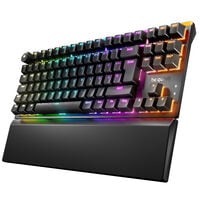
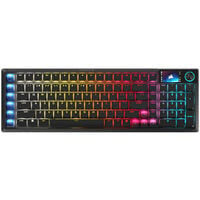
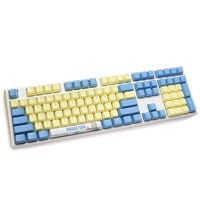
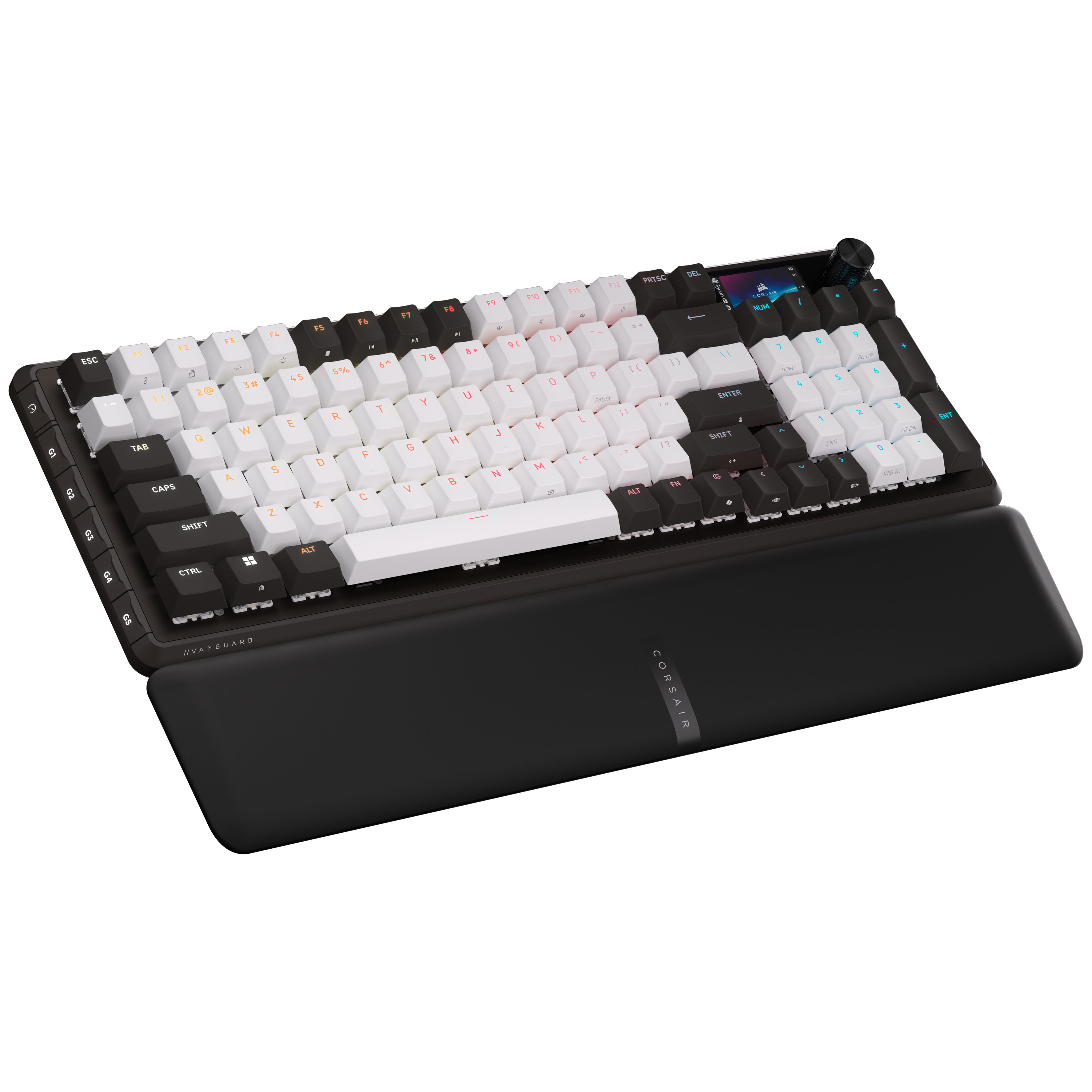
Mechanical keyboards offer a distinctive typing feel with different levels of feedback thanks to their individual mechanical switches, making them suitable for gaming and office use.
Mechanical Keyboards
Mechanical keyboards feature an individual mechanical switch beneath each key. These switches differ in actuation force, key travel, typing feel and noise level.
Here you'll find mechanical gaming and office keyboards from Ducky, Corsair and other brands, featuring different switch types, RGB lighting and functions such as hot-swap.
How Do Mechanical Keyboards Work?
Unlike rubber dome keyboards, which typically use a rubber membrane to provide resistance and return the keys to their original position, mechanical keyboards use individual switches with their own spring mechanisms. This allows keyboards to offer different actuation forces, key travel distances and keystroke characteristics.
What Types of Mechanical Switches Are Available?
Mechanical switches mainly differ in the feedback they provide when pressed. There are three main types of switches:
| Switch Type |
Characteristics |
Suitable For |
| Linear |
Smooth key travel without a noticeable tactile bump |
Users who prefer a smooth, consistent keystroke |
| Tactile |
Noticeable tactile bump when pressing the key |
Users who want distinct tactile feedback when typing |
| Clicky |
Noticeable tactile bump with an additional clicking sound |
Users who prefer audible and tactile feedback |
Hot-Swap and Customisation Options
Mechanical keyboards with hot-swap functionality allow you to replace compatible switches without soldering. This lets you customise the typing feel to your preferences or replace a faulty switch without having to buy an entirely new keyboard. On models without hot-swap, the switches are generally soldered in place.
Keycaps can also be replaced on many mechanical keyboards. Different materials such as ABS and PBT, along with various keycap profiles, allow you to customise the look and feel of your keyboard. However, it's important to ensure compatibility with the switches and keyboard layout.
FAQ – Mechanical Keyboards
Are Mechanical Keyboards Better for Gaming?
Mechanical keyboards are well suited to gaming because they offer different switch types with varying actuation forces, key travel distances and feedback. However, whether they're a better choice for you than other keyboard technologies depends on your personal preferences and the features of the individual model.
Are Mechanical Keyboards Loud?
Not every mechanical keyboard is loud. While clicky switches produce a clearly audible clicking sound, linear and tactile switches without a click mechanism are often quieter. The actual noise level also depends on the case construction, sound dampening and your typing style.
Can You Replace the Switches on a Mechanical Keyboard?
Mechanical keyboards with hot-swap functionality allow you to remove and replace compatible switches without soldering. On keyboards with permanently soldered switches, replacement is more complicated and generally requires soldering.
How Long Do Mechanical Keyboards Last?
Mechanical keyboards are often designed for a long service life. Many mechanical switches are rated by their manufacturers for tens of millions of keystrokes. However, the overall lifespan of a keyboard also depends on its build quality, electronics and usage.
What Other Types of Keyboards Are Available Besides Mechanical Keyboards?
Besides traditional mechanical keyboards, there are Hall Effect keyboards, which use magnetic switches and sensors to detect key movement. They enable features such as adjustable actuation points and Rapid Trigger. Optical keyboards, on the other hand, detect key presses using light. Another option is rubber dome keyboards, which use a rubber membrane to return the keys to their original position and are commonly found in basic office keyboards.