


Gaming PCs with 64 GB RAM
Discover our gaming PCs with 64 GB RAM – equipped with premium memory modules from trusted brands like Corsair or Kingston. They deliver the power you need for high-end gaming, content creation, photo and video editing, and make your system ready for every demanding application.
Gaming PCs with 64 GB RAM: Massive Power for Content Creation and Workloads
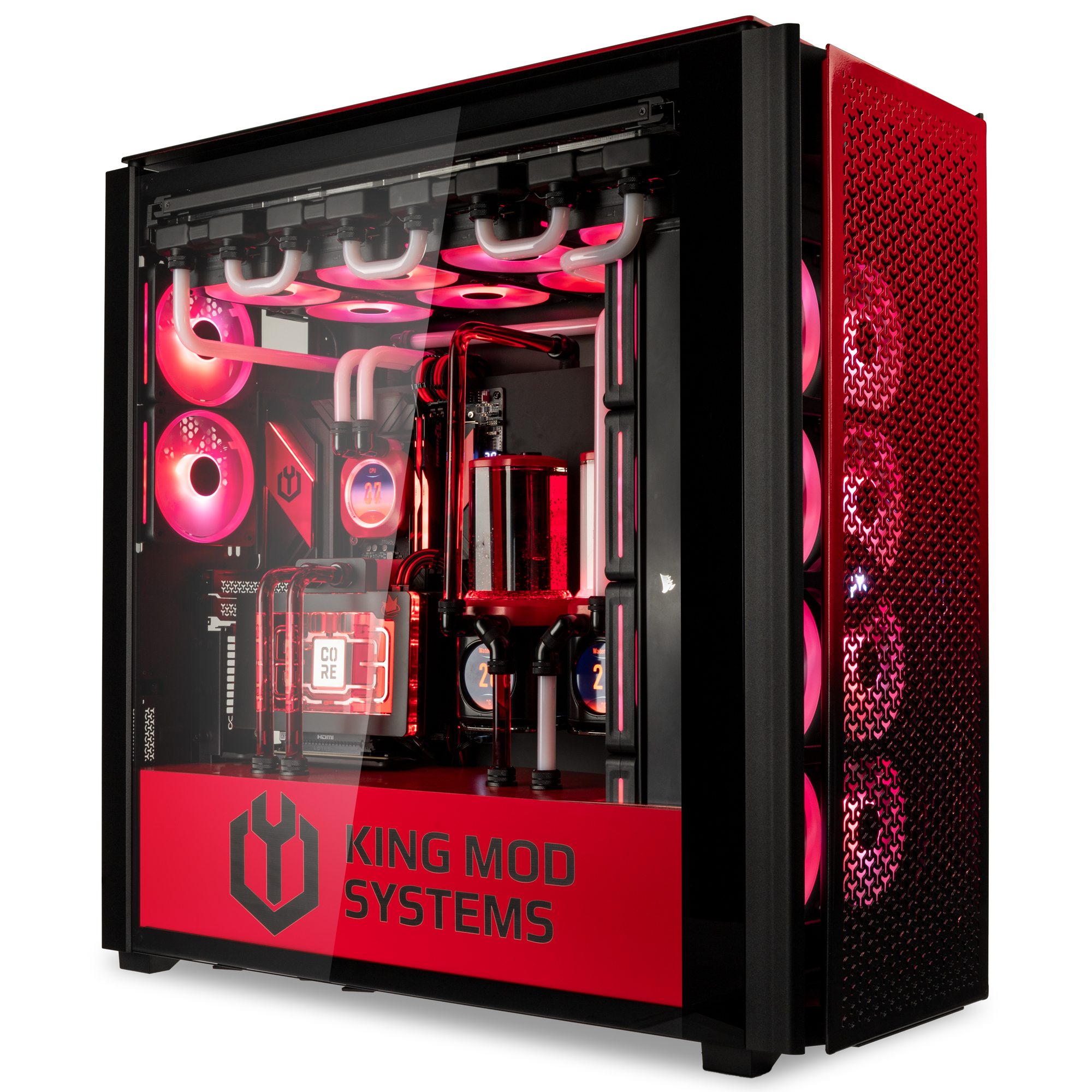
A desktop PC with 64 GB RAM offers enormous power reserves for demanding applications and smooth workflow without lag. Combined with a powerful GPU from AMD or NVIDIA, it is ideal for high-end gaming, creative projects, and professional workloads.
Hardware in a 64 GB RAM Gaming PC
Intel Processors
Intel offers various CPUs that are perfect for a gaming PC with 64 GB RAM, including i7, i9, Core Ultra 7, and Core Ultra 9 processors. These provide more than enough power to excel in professional applications.
Find matching Gaming PCs with Intel processors here:
Show all Gaming PCs by Intel processor
AMD Processors
To fully utilize 64 GB of RAM, these PCs are equipped with Ryzen 7 or Ryzen 9 generation processors.
Go directly to Gaming PCs with AMD processors here:
Show all Gaming PCs by AMD processor
NVIDIA Graphics Cards
RTX 5000 series graphics cards are installed in our 64 GB RAM gaming PCs to ensure fluid performance across all applications.
Find matching Gaming PCs with NVIDIA GPUs here:
Show all Gaming PCs by NVIDIA graphics card
AMD Graphics Cards
Our 64 GB Gaming PCs feature the latest generation of AMD RX 9000-series graphics cards.
Find matching Gaming PCs with AMD GPUs here:
Show all Gaming PCs by AMD graphics card
Do you need 64 GB RAM for Gaming?
64 GB RAM is particularly suitable for gaming enthusiasts who want to get the most out of their powerful high-end hardware, as well as for content creation and other professional workloads.
32 GB of RAM is the sweet spot for gaming – current and upcoming titles run without problems, and this combination offers the best value for money. For beginners, 16 GB of memory is sufficient.
Here is an overview of different RAM sizes and their respective use cases:
DDR4 or DDR5 RAM – which is the better choice?
DDR5 RAM has been available since 2021 – this standard is gradually replacing DDR4. The following table highlights the key differences.
| Feature | DDR4 RAM | DDR5 RAM |
|---|---|---|
| Bandwidth and Speed | 26 GB/s; max. 3,200 MT/s | 39 GB/s; min. 4,800 MT/s |
| Max. Capacity per Stick | 128 GB | 32 GB |
| Efficiency | 1.2 Volts | 1.1 Volts |
As a result, DDR5 offers several advantages. While DDR5 memory is still slightly more expensive, it is worth the extra investment to ensure your system uses current-generation RAM.
.png)
Learn more?
If you want to dive deeper into the differences between DDR5 and DDR4 RAM, take a look at our dedicated blog post.
To the BlogGaming PCs by Resolution
Looking for a specific gaming PC that meets your gameplay requirements?
Discover our WQHD Gaming PCs and 4K Gaming PCs.
Gaming PC with 64 GB RAM FAQ
How much RAM do I need for gaming?
It depends on your target resolution and FPS. Generally, 16 GB is sufficient for Full HD to WQHD. For 4K gaming, at least 32 GB is recommended. In most cases, 64 GB is not necessary for gaming alone.
Can I use a 64 GB RAM gaming PC for professional work?
Yes, with 64 GB of RAM, your PC is easily capable of handling creative workloads – from content creation to photo and video editing.
DDR5 or DDR4 RAM?
With current hardware, DDR5 is the superior long-term choice, especially since the maximum potential of DDR5 has not yet been fully reached.
Why your gaming PC should come from Caseking
Built in Berlin – by enthusiasts, not an assembly line. You choose: Pre-built PC, Configurator, or Custom Build with water cooling. We deliver clean builds – quiet, fast, and exactly to your specifications.
Every PC is tested under load: benchmarks and stress tests. BIOS pre-configured (XMP/EXPO), temperatures and stability documented.
Secure Shipping: Pre-built PCs via UPS, High-end & water-cooled systems via specialized freight. Padded inside and out for maximum transport security.
Full Service: direct support from Berlin, 3-year warranty including Pick-up & Return. GPU water cooling without warranty loss if the card & cooler are from us.
At a glance:
- Exactly your PC: ready-to-ship, configurable, or true custom build.
- Ready to start: tested, documented, and bloatware-free.
- Worry-free: securely packed with expert support from Berlin.
Find out more
We have even more reasons why your next PC should come from Caseking. Read all about it in our blog.
To the blogNothing found...
Unfortunately, we have not found anything.
Try a different search term or category: RTX 5090 , RX 9070 , Gaming PC , Ryzen 9 , Moza
Your Caseking team
Learn some of our tips for a perfect search:
- Check the text you entered for errors
- Try to use related words for your search term
- Refine your search by selecting a few categories as a filter to get to the result you want