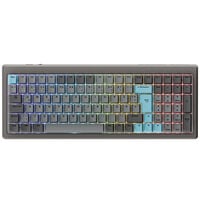
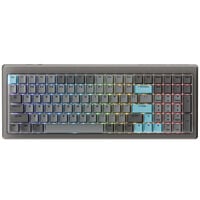
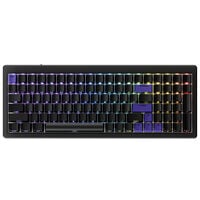
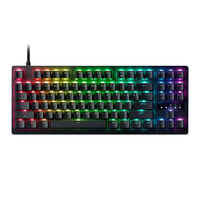
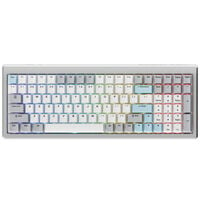
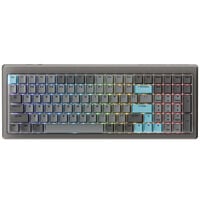
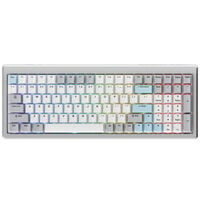
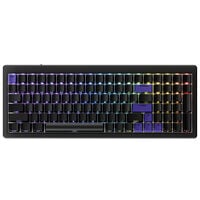
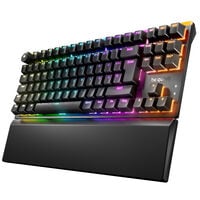
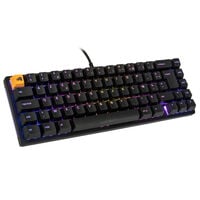
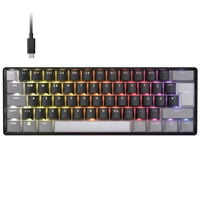
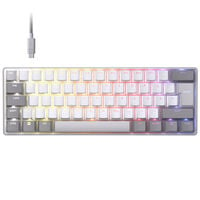
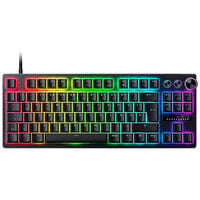
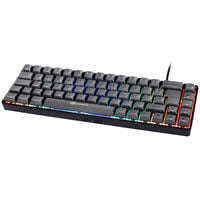
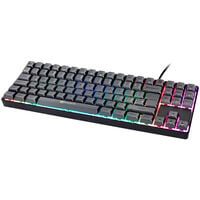
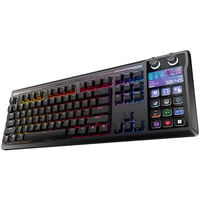
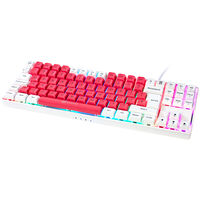
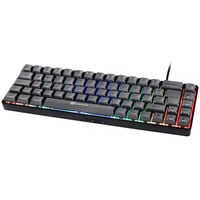
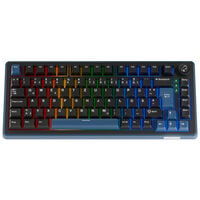
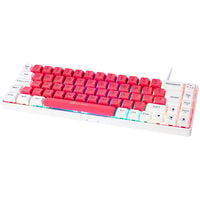
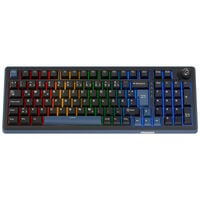
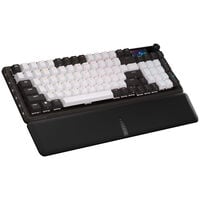
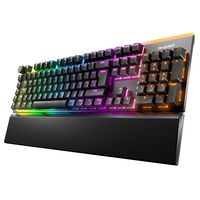
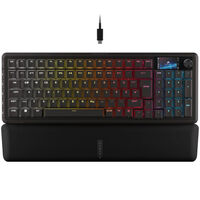
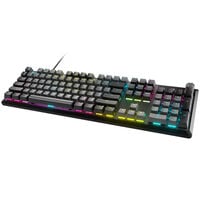
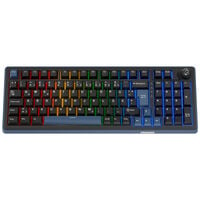
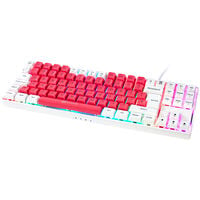
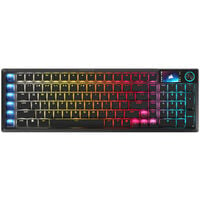
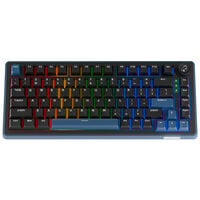
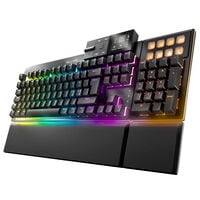
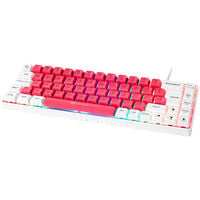
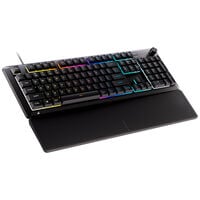
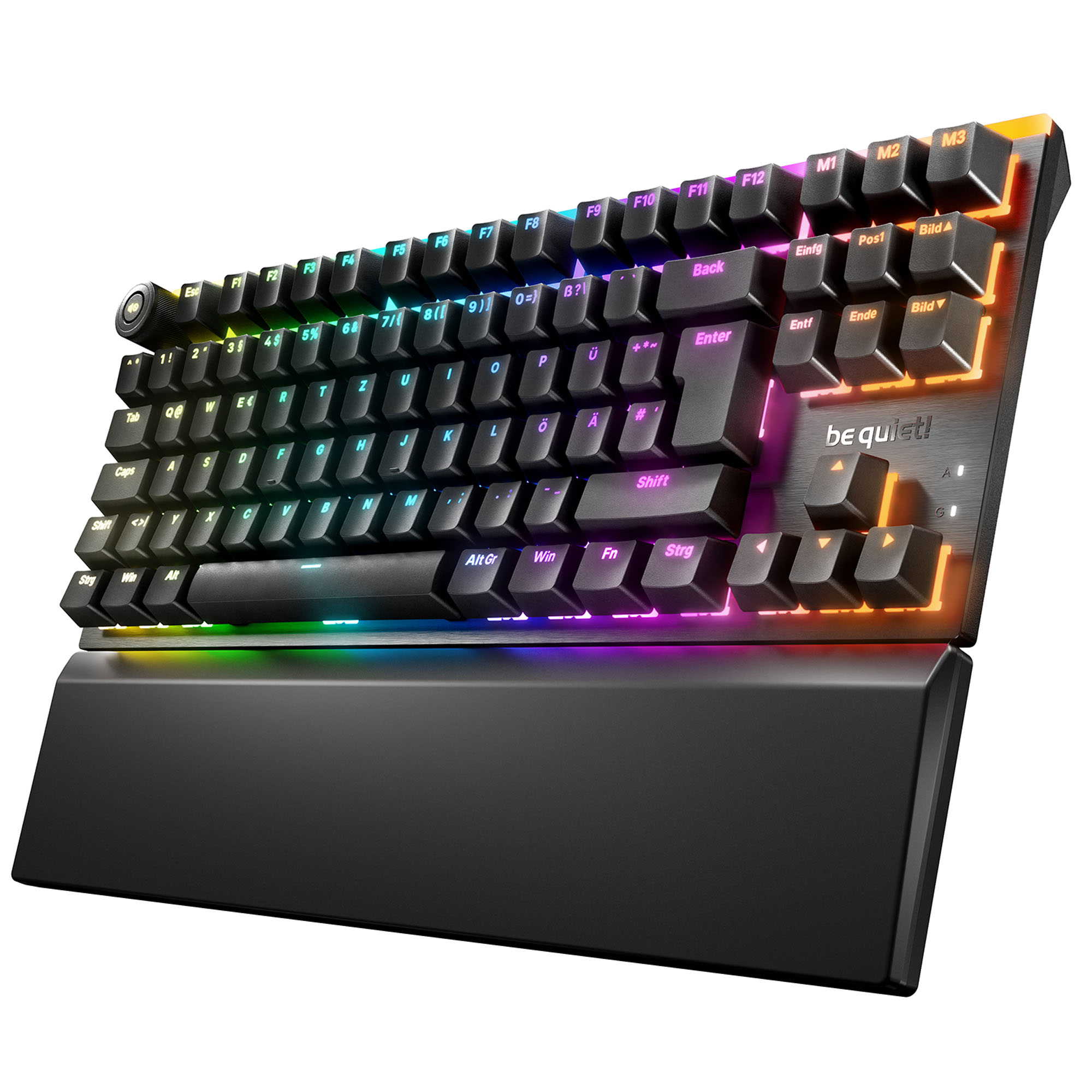
Keyboards come with a variety of features and functions for both gaming and office use.
Keyboards
Whether you're looking for a mechanical gaming keyboard, a Hall Effect keyboard or a compact keyboard, here you'll find keyboards in different sizes, with various switches and features for gaming and office use.
What Types of Keyboards Are Available?
There are four main types of keyboards available today, each with different characteristics.
| Keyboard Type |
How It Works |
Key Features |
Suitable For |
| Mechanical Keyboards |
Individual mechanical switches register inputs via electrical contacts |
Different switch types, varying typing feel and often hot-swap functionality |
Gaming, frequent typing and users who prefer a particular typing feel |
| Hall Effect Keyboards |
Magnetic sensors detect the position of the keys |
Adjustable actuation points and features such as Rapid Trigger |
Competitive gaming, FPS and esports |
| Optical Keyboards |
Light-based sensors detect key presses |
Contactless detection and, depending on the model, adjustable actuation points and Rapid Trigger |
Gaming and users who prefer contactless switch technology |
| Rubber Dome Keyboards |
A rubber membrane provides resistance and returns the keys to their original position, while inputs are usually registered through a membrane circuit |
Often affordable and commonly found in basic office keyboards |
Office use, everyday tasks and budget-conscious users |
Keyboard Sizes Explained
Size plays an important role when choosing a keyboard:
- Full-Size (100%): Complete keyboard layout with a number pad, function keys and navigation keys. Ideal for gaming, office use and frequent numerical input.
- TKL (Tenkeyless / 80%): Removes the number pad but retains the function keys and most navigation keys. Suitable for gaming and anyone who needs more space for mouse movements.
- 75%: Compact layout with function keys and usually dedicated arrow keys. Offers many of the features of a TKL keyboard in a smaller form factor.
- 65%: Compact keyboard without a dedicated function key row or number pad, but with arrow keys. Suitable for space-saving gaming setups.
- 60%: Particularly compact layout without a number pad, dedicated function key row and usually without separate arrow keys. Ideal for minimalist setups and plenty of room for mouse movements.
Wireless and Wired Keyboards for Gaming and Office Use
You can also choose between wireless and wired keyboards depending on your preferred connection type.
Wired keyboards connect to your PC via USB and don't require a battery. They are particularly suitable for dedicated gaming and office setups.
Wireless keyboards, on the other hand, offer greater freedom of movement and help reduce cable clutter on your desk. Depending on the model, they connect via Bluetooth or 2.4 GHz wireless. While Bluetooth is particularly convenient for use with multiple devices, gaming keyboards with 2.4 GHz wireless connectivity often offer exceptionally low input latency.
What Else Should You Consider When Buying a Keyboard?
Besides the keyboard type, size and connection, there are other features to consider when making your choice. Which features matter most depends primarily on whether you plan to use your keyboard for gaming, office work or both.
- Hot-Swap: Keyboards with hot-swap functionality allow you to replace compatible switches without soldering. This lets you customise the typing feel or replace individual switches.
- RGB Lighting: Many gaming keyboards offer customisable lighting. Depending on the model, you can adjust individual keys, colours and lighting effects.
- N-Key Rollover and Anti-Ghosting: These features ensure that multiple keys pressed simultaneously are registered reliably. This is particularly important for gaming.
- Macros and Programmable Keys: Compatible keyboards allow you to assign custom functions or key combinations to individual keys.
- Keycaps: Keycaps made from ABS or PBT differ in their feel and resistance to wear, among other things. The keycap profile also influences the typing experience.
- Keyboard Layout: Besides the German QWERTZ layout, there's also the English QWERTY layout, for example. Differences include the arrangement of special characters and individual keys.
Custom Keyboards
Keyboards can also be built to your individual preferences. In our custom keyboard category, you'll find everything you need – from barebone keyboards and switches to keycaps and accessories such as coiled cables and more.
Which Keyboard Switches Are Best for Me?
Keyboard switches differ in both their typing feel and how they work. The following table provides an overview of different switch types and their characteristics.
| Keyboards by Switch Type |
Typing Feel |
Key Features |
Suitable For |
| Keyboards with Linear Switches |
Smooth key travel without a noticeable tactile bump |
No tactile feedback or additional click mechanism |
Gaming and users who prefer smooth, consistent keystrokes |
| Keyboards with Tactile Switches |
Noticeable tactile bump when pressed |
Tactile feedback without an additional click mechanism |
Gaming, typing and users who prefer noticeable feedback |
| Keyboards with Clicky Switches |
Noticeable tactile bump with an audible click |
Distinct audible and tactile feedback |
Typing and users who prefer an audible clicking sound |
| Keyboards with Analogue Optical Switches |
Smooth keystrokes with an individually adjustable actuation point |
Light-based detection of key position, often with Rapid Trigger |
Competitive gaming, FPS and users who want to customise their key actuation |
FAQ – Keyboards
Which Keyboard Is Best for Gaming?
That depends on your requirements. Mechanical keyboards offer different switch types, while Hall Effect keyboards with features such as Rapid Trigger are particularly interesting for fast-paced games. Size and features also play an important role.
What's the Difference Between Mechanical and Hall Effect Keyboards?
Traditional mechanical keyboards use switches with electrical contacts. Hall Effect keyboards, on the other hand, detect key position using magnetic sensors, enabling features such as adjustable actuation points and Rapid Trigger.
Which Keyboard Size Is Best for Gaming?
Compact keyboards such as TKL, 75%, 65% and 60% models provide more room for mouse movements. Full-size keyboards also include a number pad. The best size depends on your available desk space and which keys you need.
Are Wireless Keyboards as Good as Wired Keyboards?
Modern wireless gaming keyboards with 2.4 GHz connectivity can offer similarly low latency to wired models. Wired keyboards, however, don't require a battery and connect directly via USB.
What's the Difference Between QWERTZ and QWERTY?
QWERTZ is the standard keyboard layout in Germany, featuring dedicated keys for German umlauts. QWERTY is used in English-speaking countries, among others. The layouts differ in the arrangement of certain letters and special characters.
Can I Use a Gaming Keyboard for Office Work?
Yes. Gaming keyboards are also suitable for office applications. The most important factors are a comfortable typing feel, the right size and preferably quiet switches if you work in a shared space.