PC Cases: From Mini-ITX Cases to Big Towers – Gaming PC Cases & Showcases
The computer case is the most eye-catching component of a gaming PC. Whether it stands under or next to the desk, is placed in the living room, or is even mounted on the wall: the case defines the look of every PC.
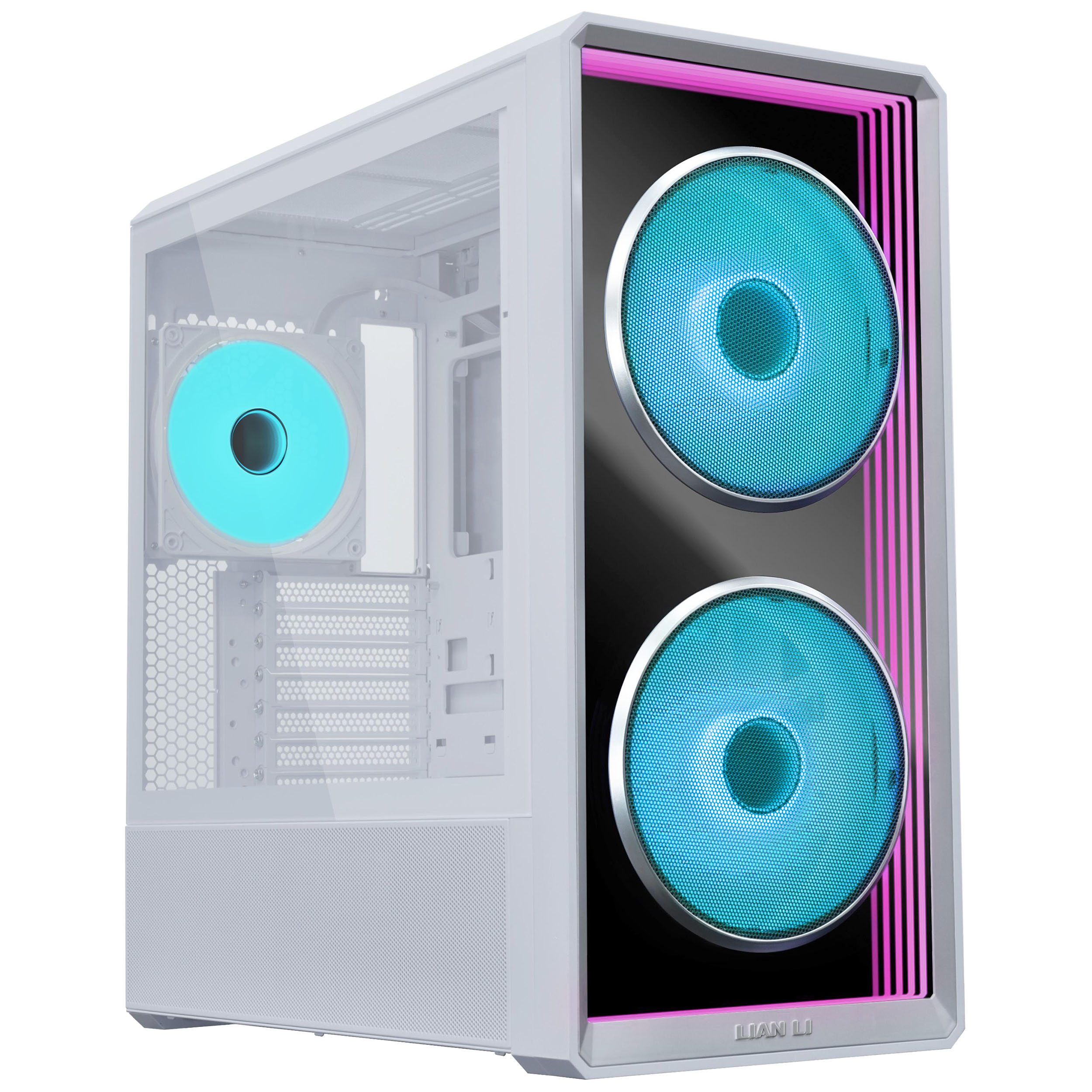
Cases with glass on the front and side, as well as integrated RGB lighting, are especially popular – ideally in combination.
However, besides design and aesthetics, there are other important factors you should consider when buying a PC case.
What should I look for when buying a PC case?
When choosing a case, you need to consider many factors. In addition to appearance, hardware compatibility is especially important. Whether you want to build a new gaming PC or move your existing hardware into a new case: before buying, check whether all components will fit. Ideally, you should also have your cooling setup planned in advance.
Ask yourself the following questions before buying so you can find the right case:
- What form factor should the new case have?
- What hardware will be installed?
- Water cooling or air cooling?
- Glass, RGB lighting, and additional features such as ports
- Support for motherboards with rear connectors
What PC case form factors are available and how do they differ?
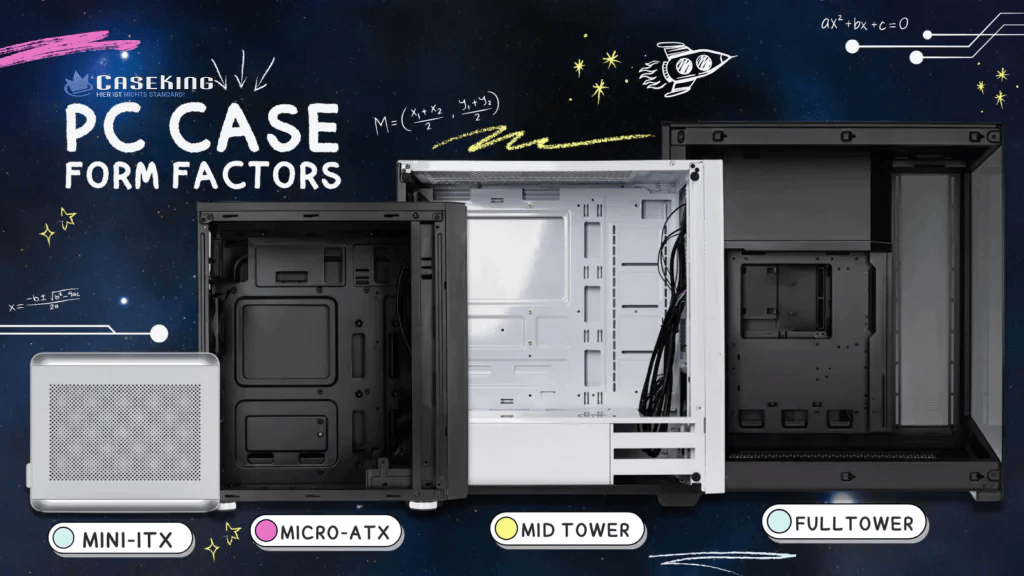
The form factor describes how large a PC case is and how much space is available for gaming hardware. There are four standardized form factors as well as other, non-standard special designs.
- Mini-ITX cases: Very compact cases for space-saving SFF builds
- Micro-ATX cases: Compact all-rounders with room for powerful hardware
- Mid towers: Spacious cases for large GPUs and extensive cooling options, often with support for motherboards with rear connectors
- Big towers: Extremely spacious for high-end hardware and custom water cooling with distro plates
You can find more information about case form factors in our blog post.
Special PC Cases
In addition to the classic standard sizes, there are also special form factors. NAS cases are ideal for installing many hard drives. HTPC cases are compact, quiet, and thanks to their understated design ideal for living room or server setups.
Special water-cooling cases are designed for custom loops. They often feature integrated distro plates, which make planning and building easier. One especially well-known brand is Singularity Computers, which offers both complete cases and modular distro plates and accessories.
Showcase Cases for Eye-Catching Builds
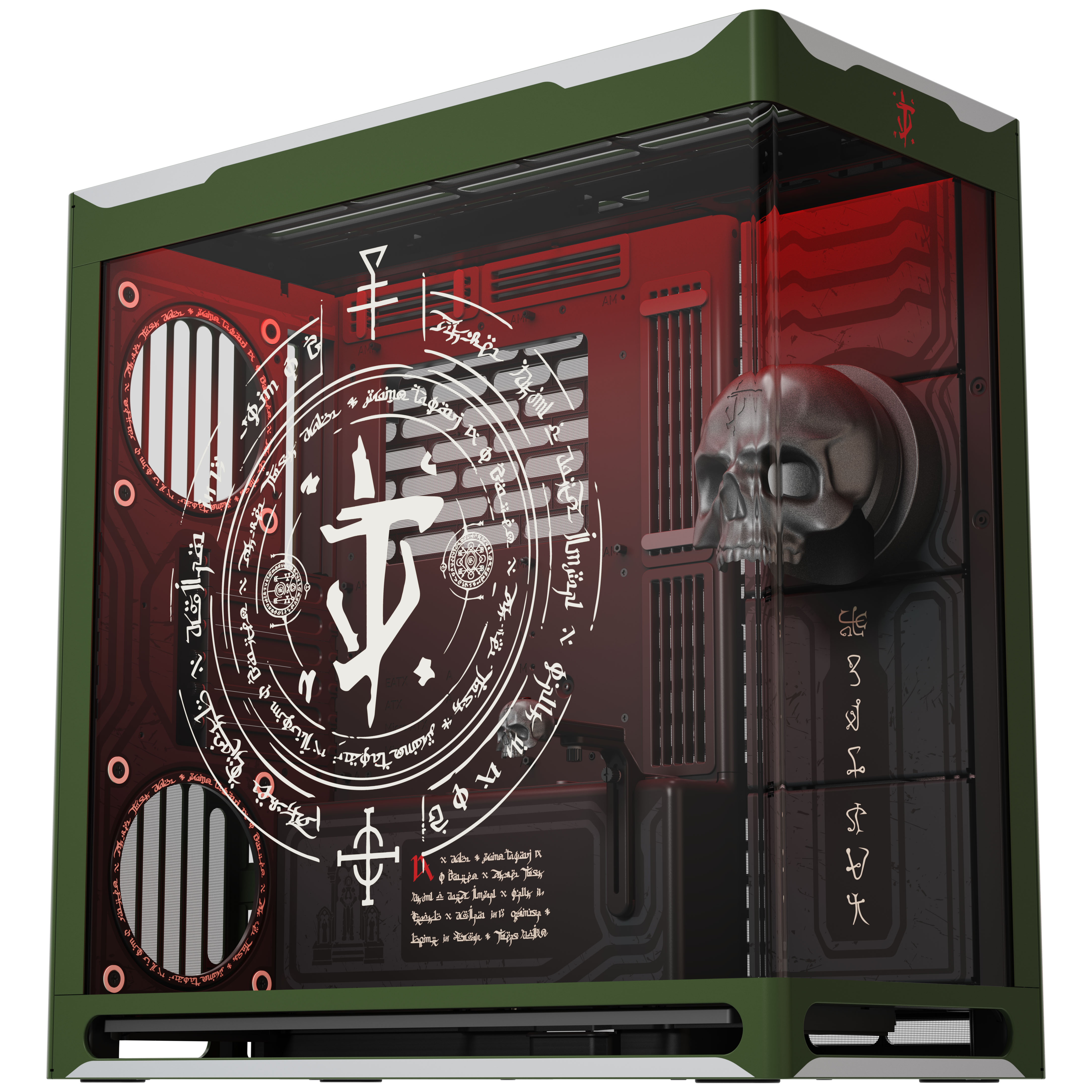
Showcase cases turn your gaming setup into a real eye-catcher. These include open-frame cases, wall-mounted cases, and other unusual form factors.
But classic glass cases with maximum visibility into the interior are also considered showcase cases – perfect for presenting hardware and lighting.
Air or Water Cooling in a PC Case?
When building a PC, the question almost always comes up whether you should go for air cooling or water cooling. With water cooling, a distinction is made between AiO liquid coolers and custom water-cooling loops. Air cooling is especially simple, but AiOs can also be installed easily and require only minimal maintenance.
Custom loops require more planning, know-how, and maintenance, but especially in high-end gaming PCs, they offer excellent cooling performance. In our water cooling guide you can learn everything about the pros and cons as well as important buying criteria.
Case Materials: From Budget to High-End
PC cases differ not only in size and design, but also in the materials used. Affordable cases are often made of plastic, making them lighter but less sturdy. High-quality cases use materials such as steel or aluminum, which are more durable and feel more premium.
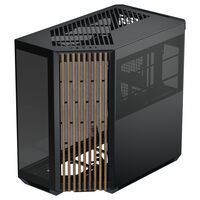
Cases with wooden elements are also not uncommon. Whether it is a full front panel or subtle accents, wood gives your setup a particularly elegant look.
USB, RGB Lighting, Tempered Glass & Displays
Tempered Glass
Side panels made of tempered glass are standard in gaming cases. Some models even offer glass on the front or top panel – ideal for showcasing hardware and lighting.
RGB Lighting
RGB lighting is one of the most popular features in modern PC cases. RGB fans and LED strips turn your setup into a real eye-catcher.
Integrated Displays
Some cases feature integrated displays that can show temperatures, your hardware load, or custom content such as GIFs and videos.
USB & Connectivity Options
USB-A 3.0 is standard, while higher-end cases also offer USB-C. A 3.5 mm audio jack is almost always included.
Cases with Support for Motherboards with Rear Connectors?
Many cases now support motherboards with rear connectors, also known as back-connect design. These motherboards allow especially clean cable management inside your case, since the cables are connected at the back instead of the front. To install a motherboard with a back-connect design, the case needs special cutouts.
Cases With and Without Fans
Many PC cases already come with pre-installed fans. This makes getting started easier and provides working airflow right away. They often even include fan and RGB controllers, allowing you to control cooling and lighting conveniently.
PC Cases – Questions and Answers
Which PC case fits an RTX 5090?
There is no one-size-fits-all answer. Pay attention to the length of the graphics card and check the maximum supported GPU length in the case, as well as any possible clearance issues with other hardware.
How can I find out whether my graphics card fits in the case?
In the case specifications, you will find information on the maximum graphics card length supported. More detailed information, such as possible restrictions with front fans or a front-mounted AiO, can be found on the manufacturer’s website.
How do I achieve clean cable management in my case?
Cable holders, Velcro straps, and cable routing cutouts help you achieve clean cable management in your case. Cases also often specify how much space is available for cables behind the motherboard tray.
What makes a good airflow PC case?
A case with good airflow is equipped with intake and exhaust fans. The front or side is very well suited for intake, while the rear and top are ideal for exhaust fans. In our blog, you can find all the important information about airflow.
Which power supply fits in a case?
Most PC cases are designed for ATX power supplies. Compact cases often support SFX or SFX-L power supplies. The supported PSU size is listed in the technical specifications of the respective case.
Which radiator sizes fit in a case?
Depending on their size, PC cases support radiators from 120 mm up to 420 mm. Mini-ITX and Micro-ATX cases usually offer space for 120 mm or 240 mm radiators, while mid towers and big towers often support 360 mm or even 420 mm radiators. You can find the maximum supported radiator size in the technical specifications of the respective model.
What is the best case under 100 euros?
Under PC cases under 100 euros, you will find a wide range of suitable cases with a strong price-performance ratio.