NVIDIA Graphics Cards 2026: An Overview
NVIDIA is one of the leading manufacturers of graphics cards and graphics processing units (GPUs) used in computers for gaming, professional applications and data centres. Since its founding in 1993, NVIDIA has had a major impact on the graphics industry and dominates the market for dedicated graphics cards.
GeForce Series (Gaming Graphics Cards)
The GeForce series is specifically designed for gamers and includes several product lines aimed at different requirements:
- GeForce RTX: These graphics cards use modern ray tracing technology for realistic lighting effects and offer AI-powered image enhancement with DLSS (Deep Learning Super Sampling). Current generations include the RTX 50 Series based on the Blackwell architecture and the RTX 40 Series based on the Ada Lovelace architecture.
- GeForce GTX: Older models without dedicated ray tracing cores, but still powerful options for traditional gaming.
Which NVIDIA Graphics Card Is the Best?
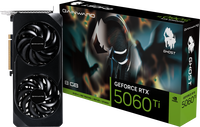
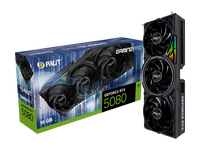
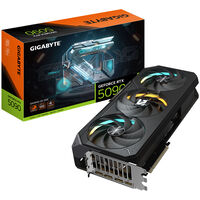
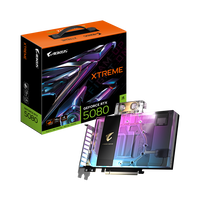
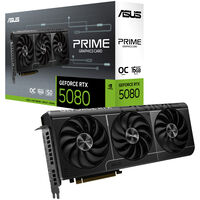
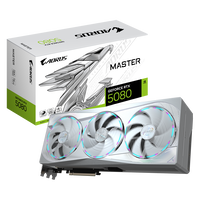
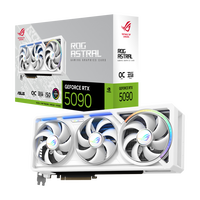
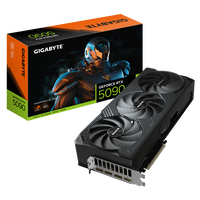
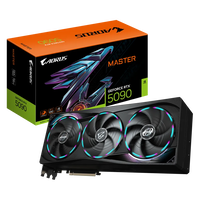
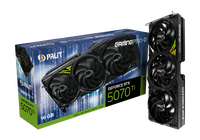
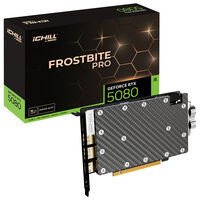
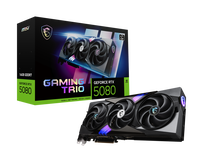
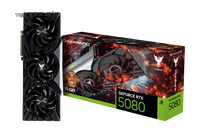
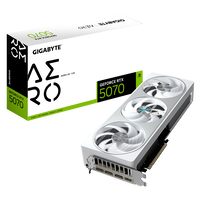
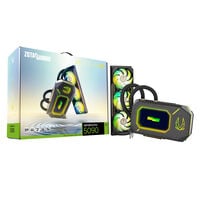
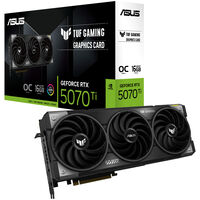
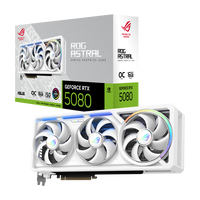
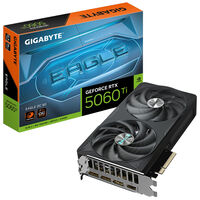
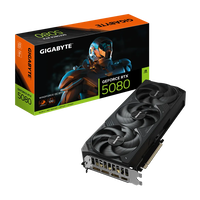
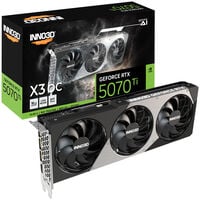
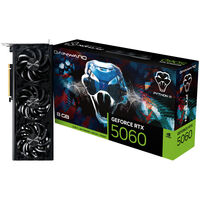
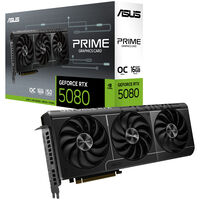
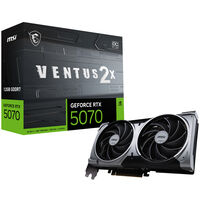
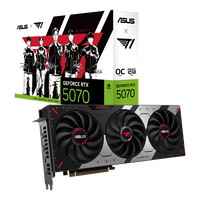
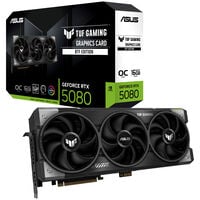
The NVIDIA GeForce RTX 5000 graphics cards based on Blackwell, introduced in 2024, are currently NVIDIA's most powerful graphics cards. The GeForce RTX 5090 and GeForce RTX 5080 offer enormous performance for 4K gaming at high FPS and are aimed at enthusiasts who want to enjoy the latest games at maximum graphics settings with ray tracing and DLSS 4. With the RTX 5070 Ti and RTX 5070, NVIDIA expands the Blackwell portfolio with powerful graphics cards for UWQHD (3,840 x 1,440) and WQHD (2,560 x 1,440).
Ray Tracing and Path Tracing
With its RTX graphics cards, NVIDIA introduced real-time ray tracing technology. This technology simulates light rays to create realistic reflections, shadows and lighting, significantly improving visual quality. Path tracing is a more advanced form of ray tracing that enables even more realistic images, but is also far more computationally demanding and performs best on high-end graphics cards such as the RTX 5080 or RTX 5090.
NVIDIA DLSS 4.5 for RTX 5000 Graphics Cards
Introduced with the RTX 5090, DLSS 4.5 delivers an even greater increase in FPS and improved image quality. NVIDIA DLSS uses artificial intelligence and advanced Tensor Cores on GeForce RTX GPUs to increase frame rates while delivering sharp, high-resolution images. The latest version offers optimised Frame Generation and more efficient upscaling technologies for an even smoother gaming experience.
NVIDIA Architectures: Blackwell and Ada Lovelace
- Ada Lovelace Architecture (RTX 40 Series): Improves ray tracing efficiency, enhances DLSS technology and increases GPU performance for higher frame rates and resolutions.
- Blackwell Architecture (RTX 50 Series): The latest generation with advanced ray tracing cores, enhanced AI acceleration and optimised power efficiency for maximum performance.
NVIDIA Studio and Creator Cards
In addition to gaming graphics cards, NVIDIA offers specialised GPUs for creative professionals. NVIDIA Studio certification ensures that these graphics cards are optimised for professional workflows such as video editing, 3D rendering and AI-powered content creation.
Professional NVIDIA RTX GPUs for Workstations, Data Science and AI
In addition to gaming graphics cards, there are also professional workstation and AI graphics cards.
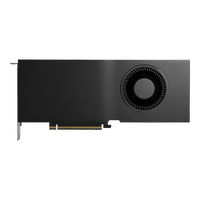
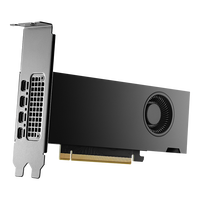
- NVIDIA RTX Series for Professionals: Formerly known under the Quadro brand, these GPUs provide high precision and stability for CAD, 3D modelling and scientific computing.
- NVIDIA Hopper and Blackwell: These GPUs are designed for data centres, AI training and high-performance computing applications.
NVIDIA RTX technology is used in workstations for research, simulation and machine learning. With growing demand for AI solutions and data science applications, NVIDIA has expanded its presence in these areas. RTX-based workstations combine the performance of NVIDIA RTX and NVIDIA Quadro RTX GPUs with RAPIDS acceleration to reduce training times and provide a faster path to data analysis.
CUDA and GPU Computing
With CUDA technology, NVIDIA developed a platform that allows developers to use the parallel computing power of GPUs. This accelerates not only graphics applications, but also scientific computing and AI workloads.
NVIDIA Reflex and G-SYNC
- NVIDIA Reflex: A technology that reduces system latency in competitive games by optimising the graphics pipeline. With the introduction of Reflex 2 and Frame Warp technology, latency has been reduced even further, resulting in faster reactions and improved aiming accuracy.
- G-SYNC: Synchronises the monitor's refresh rate with the graphics card output to prevent tearing and stuttering. Modern G-SYNC displays also support the NVIDIA Reflex Latency Analyzer, which measures system latency and helps gamers optimise their system settings.
Partnerships and Ecosystem
NVIDIA works closely with game developers, software companies and hardware manufacturers to ensure optimal support for its GPUs. Technologies such as NVIDIA GameWorks provide developers with tools for integrating impressive visual effects into games. NVIDIA has also partnered with leading cloud providers such as Amazon Web Services (AWS) and Microsoft Azure to promote the integration of AI and supercomputing technologies.
NVIDIA GeForce Graphics Card Generations at a Glance
Want to know how the individual GeForce generations differ and need a quick overview of the GPU technology used in current and older generations? Here you can see which advantages the latest NVIDIA graphics cards offer.
| Feature |
RTX 50 Series |
RTX 40 Series |
RTX 30 Series |
RTX 20 Series |
GTX 16 Series |
GTX 10 Series |
GTX 900 Series |
| NVIDIA Architecture |
Blackwell |
Ada Lovelace |
Ampere |
Turing |
Turing |
Pascal |
Maxwell |
| Streaming Multiprocessors |
2 × FP32 |
2 × FP32 |
2 × FP32 |
1 × FP32 |
1 × FP32 |
1 × FP32 |
1 × FP32 |
| Ray Tracing Cores |
4th Generation |
3rd Generation |
2nd Generation |
1st Generation |
❌ |
❌ |
❌ |
| Tensor Cores (AI) |
5th Generation |
4th Generation |
3rd Generation |
2nd Generation |
❌ |
❌ |
❌ |
| NVIDIA DLSS |
4 |
3 |
2 |
2 |
❌ |
❌ |
❌ |
| NVIDIA Reflex |
✅ |
✅ |
✅ |
✅ |
✅ |
✅ |
✅ |
| NVIDIA Broadcast |
✅ |
✅ |
✅ |
✅ |
- |
- |
- |
| NVIDIA App |
✅ |
✅ |
✅ |
✅ |
✅ |
✅ |
✅ |
| Game Ready Drivers |
✅ |
✅ |
✅ |
✅ |
✅ |
✅ |
✅ |
| NVIDIA Studio Drivers |
✅ |
✅ |
✅ |
✅ |
✅ |
✅ |
❌ |
| NVIDIA ShadowPlay |
✅ |
✅ |
✅ |
✅ |
✅ |
✅ |
✅ |
| NVIDIA Highlights |
✅ |
✅ |
✅ |
✅ |
✅ |
✅ |
✅ |
| NVIDIA Ansel |
✅ |
✅ |
✅ |
✅ |
✅ |
✅ |
✅ |
| NVIDIA Freestyle |
✅ |
✅ |
✅ |
✅ |
✅ |
✅ |
✅ |
| VR Ready |
✅ |
✅ |
✅ |
✅ |
GTX 1650 Super or higher |
GTX 1060 or higher |
GTX 970 or higher |
| NVIDIA Omniverse |
✅ |
✅ |
✅ |
✅ |
❌ |
❌ |
❌ |
| PCIe |
5.0 |
4.0 |
4.0 |
3.0 |
3.0 |
3.0 |
3.0 |
| NVIDIA Encoder (NVENC) |
Gen 9 |
Gen 8 |
Gen 7 |
Gen 7 |
Gen 6 |
Gen 6 |
Gen 5 |
| NVIDIA Decoder (NVDEC) |
Gen 6 |
Gen 5 |
Gen 5 |
Gen 4 |
Gen 4 |
Gen 3 |
Gen 2 |
| AV1 Encoding |
✅ |
✅ |
❌ |
❌ |
❌ |
❌ |
❌ |
| AV1 Decoding |
✅ |
✅ |
✅ |
❌ |
❌ |
❌ |
❌ |
| CUDA Capability |
12.8 |
8.9 |
8.6 |
7.5 |
7.5 |
6.1 |
5.2 |
| DX12 Ultimate |
✅ |
✅ |
✅ |
✅ |
❌ |
❌ |
❌ |
| PhysX Support |
❌ 32-bit
✅ 64-bit |
✅ 32-bit
✅ 64-bit |
✅ 32-bit
✅ 64-bit |
✅ 32-bit
✅ 64-bit |
✅ 32-bit
✅ 64-bit |
✅ 32-bit
✅ 64-bit |
✅ 32-bit
✅ 64-bit |
| Video Outputs |
HDMI 2.1b, DisplayPort 2.1b |
HDMI 2.1, DisplayPort 1.4a |
HDMI 2.1, DisplayPort 1.4a |
HDMI 2.0b, DisplayPort 1.4a |
HDMI 2.0b, DisplayPort 1.4a |
HDMI 2.0b, DisplayPort 1.4a |
HDMI 2.0, DisplayPort 1.2 |
Gaming PCs with NVIDIA GeForce Graphics Cards at Caseking
In addition to NVIDIA graphics cards as individual PC components, we also offer complete gaming PCs equipped with GeForce GPUs. Discover our NVIDIA GeForce Gaming PCs.
FAQ – NVIDIA Graphics Cards
What Do Ti and SUPER Mean on NVIDIA Graphics Cards?
The Ti and SUPER suffixes generally indicate more powerful variants within a model series. They may offer more CUDA cores, higher clock speeds, more graphics memory or greater memory bandwidth, for example. The exact differences depend on the individual model.
What Power Supply Do I Need for an NVIDIA Graphics Card?
The required power supply wattage depends on the graphics card, processor and other components. Follow the graphics card manufacturer's recommendation and make sure the power supply provides the required PCIe, 12VHPWR or 12V-2x6 connectors.
Does Every NVIDIA Graphics Card Fit in Every PC Case?
No. Before buying, check the maximum supported graphics card length and height as well as the number of required expansion slots. Installed fans or radiators and the space required for the power cable can also reduce the available installation space.
How Do NVIDIA Graphics Cards from Different Manufacturers Differ?
Graphics cards from ASUS, MSI, Gigabyte and other board partners use the same NVIDIA GPU, but can differ in terms of cooling, noise levels, dimensions, clock speeds, power consumption, power connectors and lighting. The number and arrangement of display outputs can also vary.
Can I Use an NVIDIA Graphics Card with an AMD Processor?
Yes, NVIDIA graphics cards can be combined with both AMD and Intel processors. The important factors are a compatible PCIe slot, a sufficiently powerful power supply and enough space inside the PC case.
Which Connections Do NVIDIA Graphics Cards Offer?
NVIDIA graphics cards generally provide HDMI and DisplayPort connections for monitors and TVs. The number of ports and supported versions vary depending on the RTX generation and board partner model. Check the specifications of the individual graphics card before purchasing.
Do I Need a PCIe 5.0 Slot for an NVIDIA Graphics Card?
No. PCIe is backwards compatible, so a PCIe 5.0 graphics card can generally also be used on a motherboard with PCIe 4.0 or PCIe 3.0. Depending on the graphics card and the number of available PCIe lanes, an older interface may slightly limit performance.