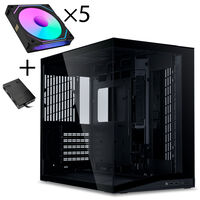
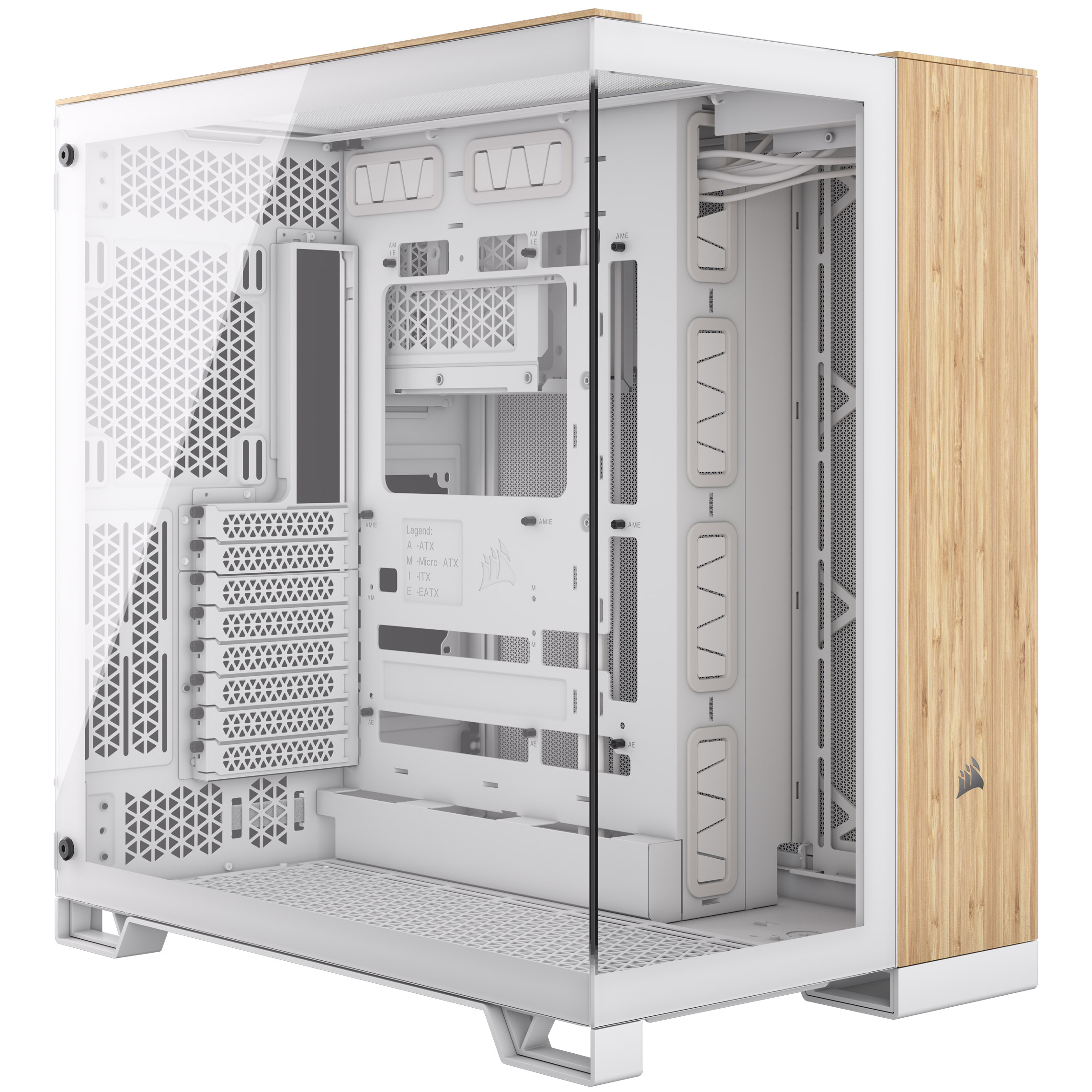
With dual-chamber cases, your gaming PC stays clean and organized thanks to separate compartments for your hardware. Ideal if you’re looking for a case with excellent cable management.
Dual-Chamber PC Cases: Cases for Clean Builds
Dual-chamber PC cases are ideal if you want your build to always look tidy. They provide extra space for cable management in the second chamber as well as room for installing motherboards, power supplies, and CPU coolers. Take a look at our dual-chamber cases from Corsair, be quiet!, Lian Li, and more for your next gaming PC.
What makes a dual-chamber PC case special?
As the name suggests, dual-chamber cases feature two separate compartments. The front chamber houses the motherboard, CPU cooler, and graphics card, while the rear chamber contains the power supply, SSDs, and cable management.
In cases without a second chamber, there is often limited space behind the motherboard for cable routing. This makes it harder to organize cables neatly and hide them from view. In some cases the side panel may also be harder to close. Dual-chamber cases are therefore an excellent solution to avoid these problems. The separated layout can also improve cooling performance.
Perfect if you want to showcase your build with clean cable management and highlight your RGB lighting.
Dual-chamber cases for motherboards with rear connectors
Dual-chamber cases often support motherboards with rear connectors. With these boards, all connectors are located on the backside, keeping cables out of sight. Dual-chamber cases are particularly well suited for this setup because the rear compartment offers additional space for clean cable routing.
Dual-Chamber PC Cases – Questions and Answers
Are dual-chamber cases better for gaming PCs?
Not necessarily. It depends on your preferences and the requirements of your gaming PC build.
Which motherboards fit in dual-chamber cases?
Always check the maximum supported motherboard size. Most dual-chamber cases support motherboards up to ATX or E-ATX, and many also support boards with rear connectors.
Where is the power supply installed in a dual-chamber case?
In most dual-chamber cases, the power supply is installed in the second chamber, usually in the middle or at the bottom.