


airflow PC cases
Airflow PC cases are ideal if you want to achieve low temperatures and a quiet noise profile in your gaming or office setup.
126 Results
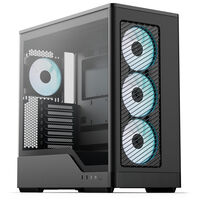
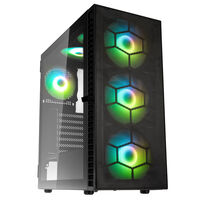
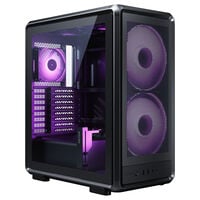
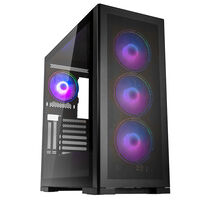
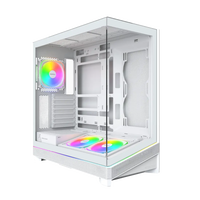
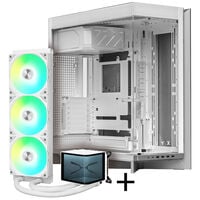
Airflow PC Cases: PC Cases for Optimal Cooling
With an airflow PC case, you benefit from better cooling and more stable temperatures under load. Cases with a mesh front or efficient fan configurations help prevent heat from building up inside the system. A PC case with especially strong airflow therefore provides an excellent foundation for your next midrange or high-end gaming PC.
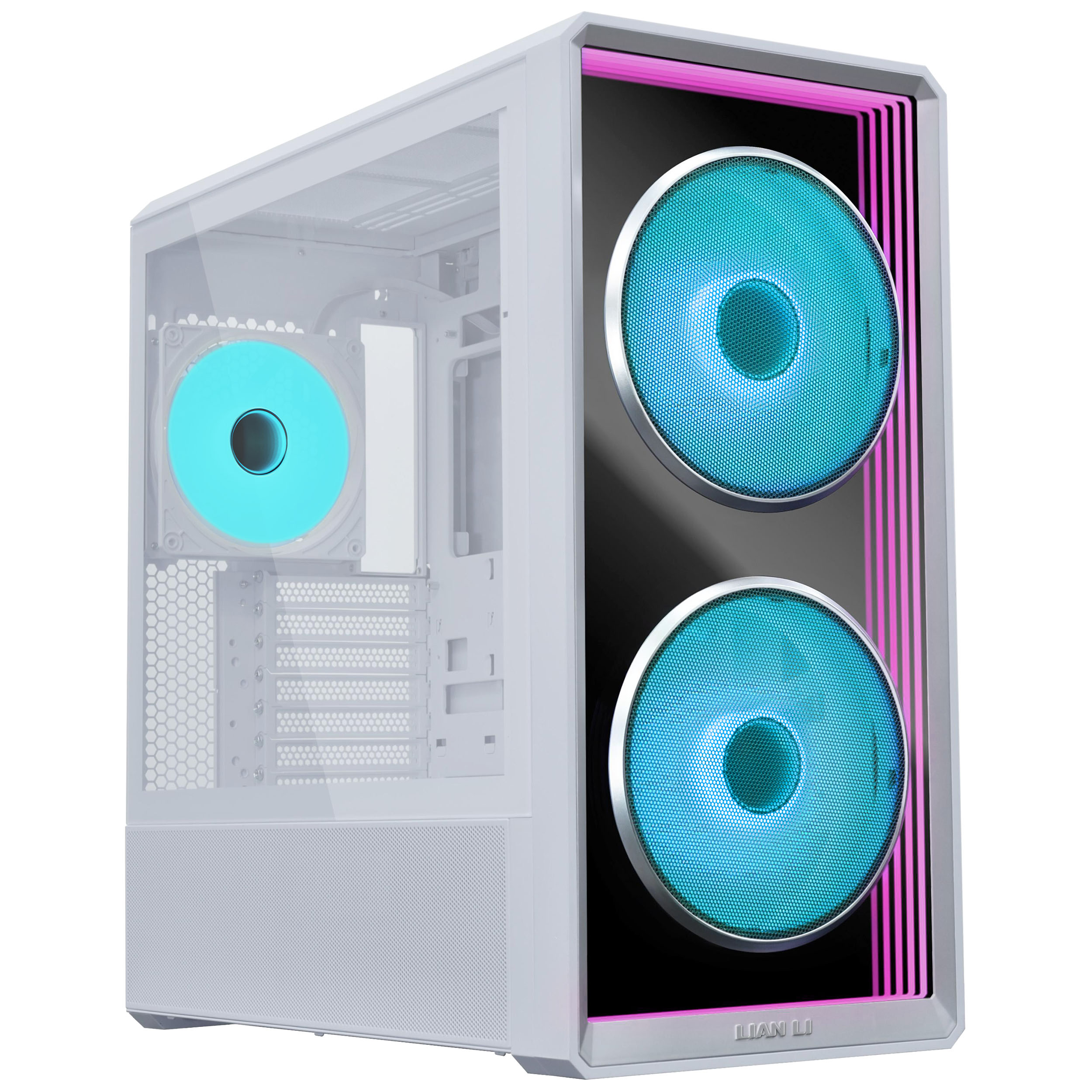
- More fresh air for your CPU, GPU and other components
- More stable performance during long gaming sessions
- Perfect for gaming PCs with powerful hardware
An airflow case ensures that your powerful gaming hardware stays properly cooled in every situation.
Cases with pre-installed fans: reverse fans and standard fans explained
When buying an airflow case with pre-installed fans, you will often find not only standard fans but also reverse fans. Reverse fans are mainly designed for aesthetic reasons: thanks to reversed fan blades, air is pulled in through the attractive front side and exhausted through the back. This means the appearance of your fans is not disrupted by support struts or cables. RGB fans in particular benefit from this reversed airflow design.
How to get the best airflow in your case
If you want to buy a case without fans or install additional ones, it is important to check where the fan mounting positions are located. In an ideal setup, you use a 1:1 configuration inside your case. That means installing the same number of intake fans and exhaust fans. Intake fans pull fresh air into the system, while exhaust fans push warm air out. This gives you the best balance inside the case.
You can read more about airflow and the different effects you can create with fan configurations in our blog article.
Do you prefer water cooling? Take a look at our water-cooling PC cases.
Airflow PC Cases: Frequently Asked Questions about Cases with the Best Airflow
How important is airflow in a PC case?
Good airflow keeps temperatures low and improves both the efficiency and longevity of your hardware.
How do I recognize a good airflow case?
Breathable front panels such as mesh and effective internal airflow routing are key indicators.
How do I control the PWM fans in my case?
Fan control can be handled in several ways: through the BIOS/UEFI, via software, or with a fan hub, which often also includes RGB control.
Which fan sizes are recommended for a gaming PC?
For common mid towers, 120 mm or 140 mm fans are usually the best choice for creating ideal airflow.
AiO liquid cooler or air cooler: which is better?
The ideal solution is often a combination of both: an all-in-one liquid cooler efficiently cools the CPU, while additional case fans provide consistent airflow and help cool the remaining components.