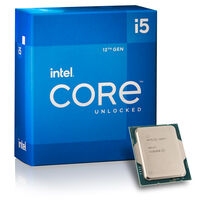
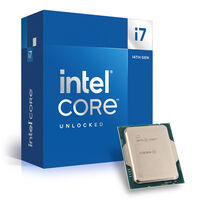
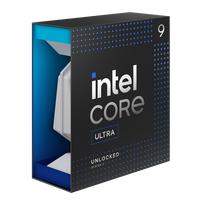
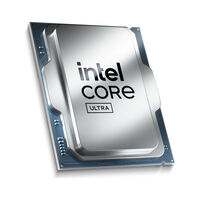
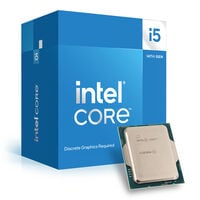
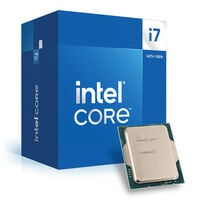
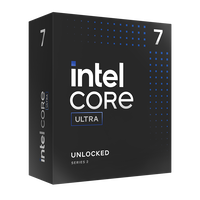
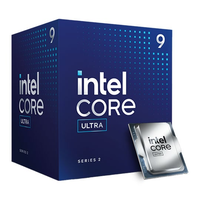
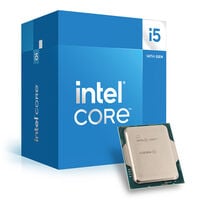
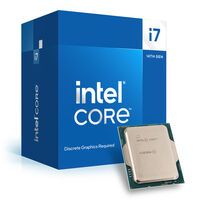
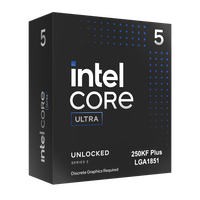
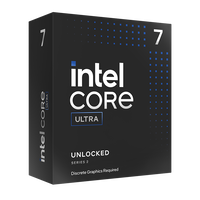
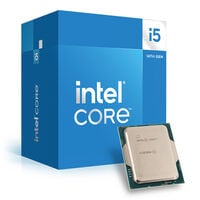
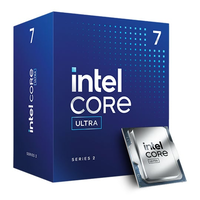
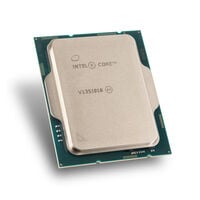
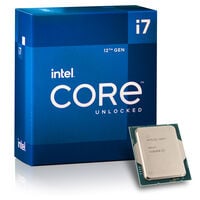
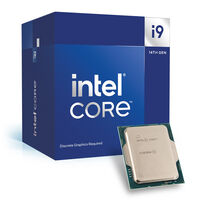
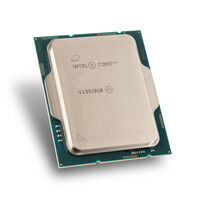
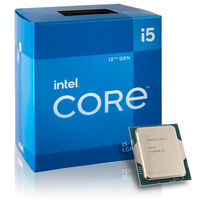
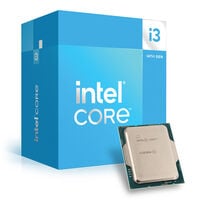
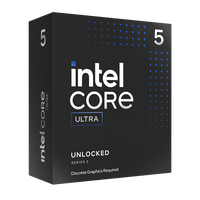
With an Intel processor, you're equipped for any scenario. Whether you're building a gaming PC, a workstation, or a system for everyday tasks – here you'll find a wide range of Intel CPUs. From entry-level and mid-range processors to high-end models in the latest Intel Core Ultra 200 series, you'll find the perfect match for your motherboard and performance needs.
Which Intel CPU Is Best for Gaming?
To be fully prepared for your gaming sessions, overclockable CPUs are particularly worth considering. Overclocking gives you the ability to squeeze extra performance out of your processor. If you're willing to spend more, the i9-14900K or Intel Core Ultra 9 285K are excellent options. More affordable yet powerful alternatives include the Intel i7-14700K and Intel i5-14600K.
Overclocking With Intel Processors
Both Intel’s Core I-Series and Core Ultra Series support overclocking. You can recognise an overclockable CPU by the suffix “K” – or “X” for older CPUs. Examples include:
- Intel Core i9-14900K
- Intel Core i7-14700K
- Intel Core i5-14600K
- Intel Core Ultra 9 285K
- Intel Core Ultra 7 265K
- Intel Core Ultra 5 245K
Intel’s Core I-Series – From Entry-Level to Professional Use
Intel’s Core I-Series CPUs are popular among gamers and professionals alike. There’s a wide variety to choose from – including hexa-core and octa-core CPUs that are great for gaming, and extremely powerful 24-core processors that can handle even the most demanding tasks with ease. The most common sockets used are Intel LGA 1700 and LGA 1851.
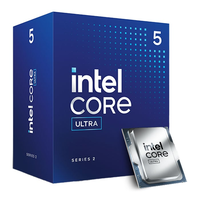
Intel Core Ultra 200: High-Performance Desktop Processors
The Intel Core Ultra 200 CPUs are part of the latest generation of processors, known as Arrow Lake. Compared to the previous generation, Raptor Lake, they offer several key improvements:
- New socket: The Intel LGA 1851 socket supports PCIe 5.0, Thunderbolt 4, and faster, higher-capacity DDR5 memory.
- Improved performance cores: The new Lion Cove architecture delivers excellent single-thread performance.
- Efficient multi-threading: The Skymont E-cores significantly improve multi-threading performance.
- No more Hyper-Threading (SMT): Intel now focuses more on real cores and threads, resulting in better performance.
- Increased L3 cache: A larger L3 cache boosts performance in data-heavy tasks such as video editing and simulations.
- Introduction of NPUs: These processors feature Neural Processing Units to handle AI workloads more efficiently.
- Lower power consumption: For lighter tasks like web browsing or office work, Core Ultra 200 CPUs use up to 58% less power. Even for gaming and demanding applications, they are significantly more power efficient.
Frequently Asked Questions About Intel CPUs (FAQ)
Which CPU Is Right for Me?
The ideal CPU depends on your intended use. For video editing and other professional workloads, high-end CPUs like the Core Ultra 9 200 or i9 series are recommended. For gaming, a Core Ultra or i7 is a great choice. For everyday office tasks, a Core i3, i5 or Core Ultra 5 will do the job. You can find more details in our blog The best CPUs for RTX 5000 graphics cards.
How Many CPU Cores Do I Need?
For everyday use, 4 to 6 cores are usually sufficient. Gamers benefit from 6 to 8 cores in many games. For creative work or multitasking-heavy setups, 12 or more cores are recommended.
What’s the Difference Between Boxed and Tray Processors?
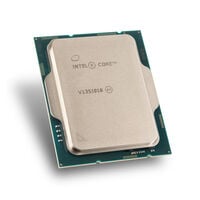
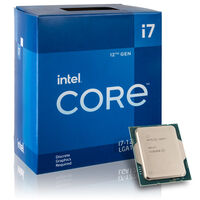
Boxed CPUs are retail versions and typically include a standard cooler. Tray CPUs are designed for system builders, often come without a cooler, and are sold in larger quantities.
What Kind of Cooling Do I Need for My CPU?
This depends on the TDP (thermal design power) of your CPU. Many models run perfectly well with an
air cooler, while high-end CPUs may benefit from a
liquid cooler. In any case, make sure the cooler is compatible with your CPU socket and delivers enough cooling performance for your system.