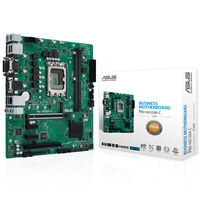
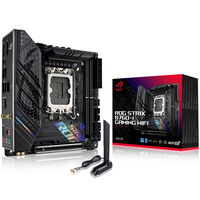
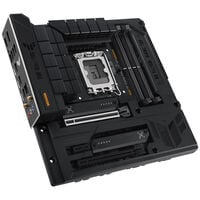
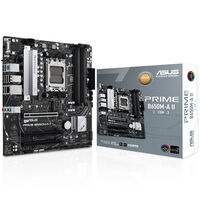
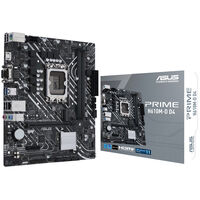
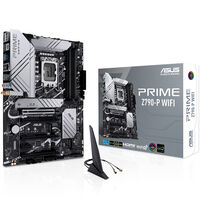
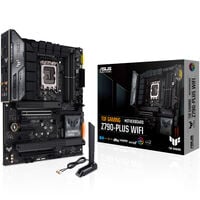
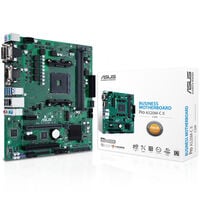
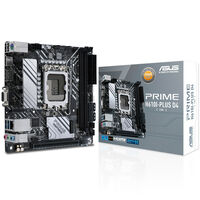
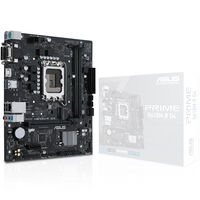
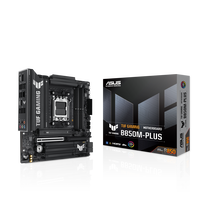
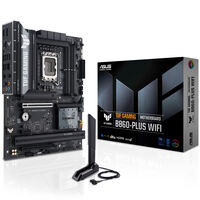
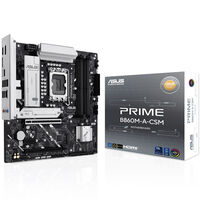
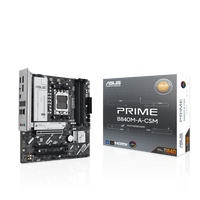
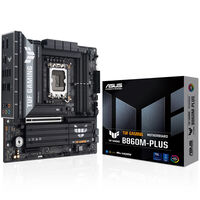
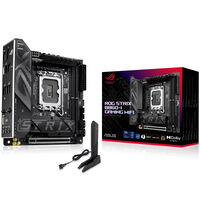
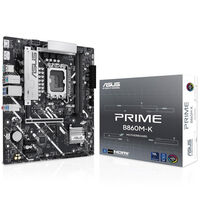
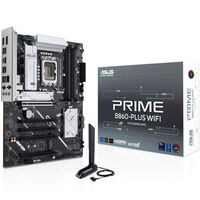
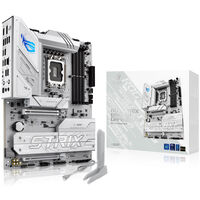
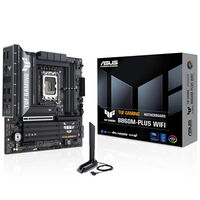
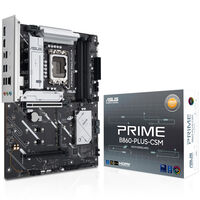
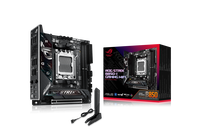
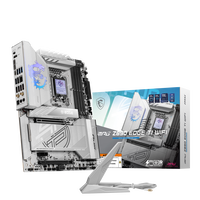
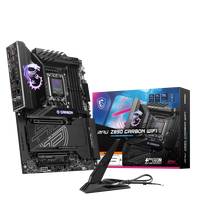
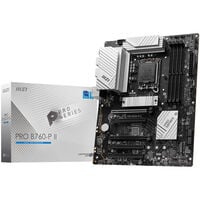
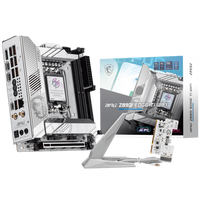
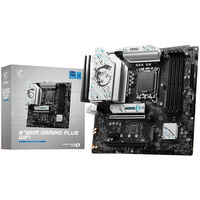
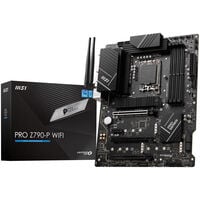
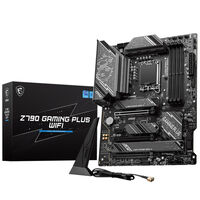
Motherboards for Intel and AMD CPUs in All Form Factors
Discover the world of motherboards and find the perfect centerpiece for your PC! Explore our wide selection and get inspired to optimize and upgrade your system.
Our range includes a rich variety of motherboards from top manufacturers like ASUS, MSI, Gigabyte, and ASRock. Whether you're looking for a powerful gaming motherboard, a reliable workstation board, or a model for a custom project – we have the right motherboard for you!
Find the Right Motherboard
With our user-friendly filter and sorting options, you can tailor your search to your needs. Filter by brand, socket type, form factor, chipset, and more to find the motherboard that fits your system perfectly.
What to Look for When Buying a Motherboard
The motherboard is the most important component in your PC. All other hardware – from graphics cards to processors – connects to it. Before buying, there are several factors to consider to ensure optimal performance and compatibility.
How to Choose the Right CPU
You first need to determine which CPU you plan to install, as this dictates the socket type. The socket is a mechanical interface that securely holds the processor. It's soldered onto the motherboard and cannot be replaced – so your future CPU must match the motherboard’s socket.
If your chosen CPU doesn’t include a cooler, make sure the cooler matches the socket and mounting holes.
The Importance of the Motherboard Chipset
Motherboards have designations like “Z890” for Intel or “X870” for AMD – these indicate the chipset. It ensures communication between hardware components and also determines onboard features and overclocking support.
Choosing the Right Size: The Form Factor
Another key consideration is case size. Your motherboard must physically fit inside your PC case. The most common form factors are Mini-ITX (17 x 17 cm), Micro-ATX (24.4 x 24.4 cm), and ATX (30.5 x 24.4 cm).
Motherboard Form Factor Overview
| Form Factor |
Dimensions (mm) |
| Mini-ITX | 170 x 170 mm |
| Mini-DTX | 203 x 170 mm |
| Micro-ATX | 244 x 244 mm |
| ATX | 305 x 244 mm |
| Extended ATX (E-ATX) | 305 x 330 mm |
| XL-ATX | 345 x 262 mm |
| SSI-CEB | 305 x 267 mm |
| SSI-EEB | 305 x 330 mm |
Larger boards typically offer more slots (e.g., PCIe, M.2), so consider both size and connectivity when choosing.
Power Up: The Role of High-Quality Voltage Regulators
Voltage regulators provide precise power to your CPU, RAM, and other components. Higher quality VRMs improve system stability and efficiency, especially under heavy workloads or when overclocking.
For gamers and enthusiasts, motherboards with robust VRMs are often preferred as they ensure smooth, stable performance and allow for better overclocking.
Main Differences Between Expensive and Budget Motherboards
| Premium Motherboards | Budget Motherboards |
|---|
| Quality Components | Premium VRMs, large heatsinks | Basic, cost-effective components |
| Connectivity & Features | More slots, ports, features | Fewer features and expansions |
| Overclocking Support | Advanced BIOS and tuning | Limited BIOS and control |
| Extras | WLAN, RGB, better audio | Basic functionality only |
| Durability | Better cooling and build | Simpler construction |
| Warranty & Support | Longer warranties | Basic support options |
| Overclocking | Full OC functionality | Often restricted |
| Water Cooling Support | Integrated support | Limited or none |
| Dual BIOS | Yes | No |
| RGB | Extensive customization | None or limited |
No matter what you need, Caseking offers a huge variety of motherboards in all sizes, chipsets, and socket types.
How can I find out which motherboard I have?
The easiest way is via the system information tool. Press Windows + R to open the Run dialog, type “msinfo32”, and click OK. A list will appear – the motherboard is listed next to “BaseBoard”.
For more detailed information about your motherboard, you can use the free tool 'CPU-Z'. It shows you all relevant details, such as the chipset and the version of your graphics interface.
The third option is to check the BIOS. Accessing it depends on the system, but usually pressing DEL, F2, or F12 during startup is enough. The motherboard information is typically displayed on the main BIOS screen.
Which motherboard do I need?
Which motherboard you need depends on your use case and existing hardware. CPU compatibility and case size are key. You should also consider how many ports and interfaces you need for SSDs, peripherals, etc., and whether you want to overclock.
In our blog, we’ve summarized which motherboards work best with RTX 5000 graphics cards.
Which RAM is compatible with my motherboard?
When choosing RAM, we distinguish between DDR4 and DDR5. Not all motherboards support both, so check the specifications of your board. You'll also find the maximum supported RAM speed there.
Also consider the number of RAM slots. Smaller boards usually support only two modules, while ATX and larger boards often support at least four.
Which graphics card is supported by my motherboard?
Your graphics card connects to a PCIe slot on the motherboard. To avoid compatibility issues, check how many PCIe slots your board has – especially PCIe x16, which most GPUs require.