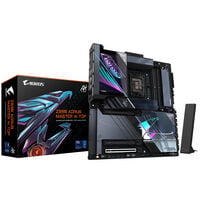
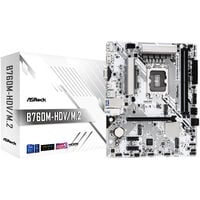
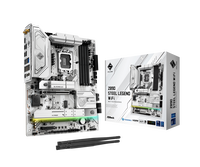
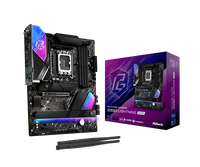
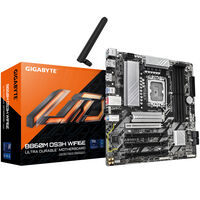
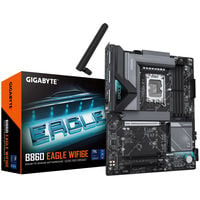
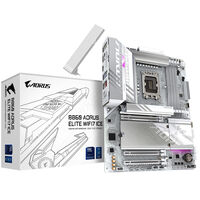
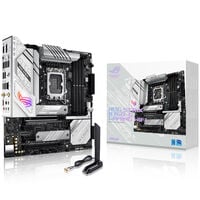
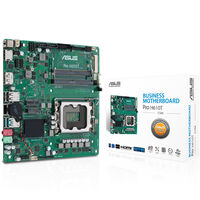
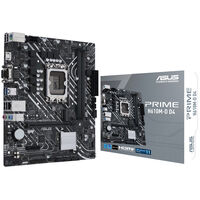
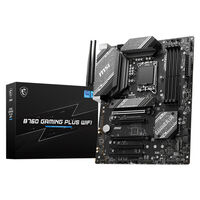
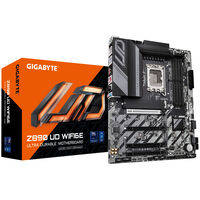
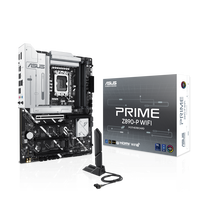
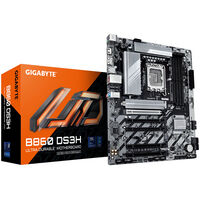
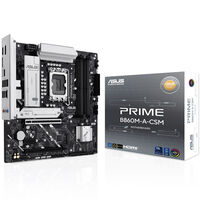
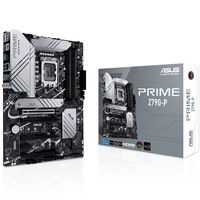
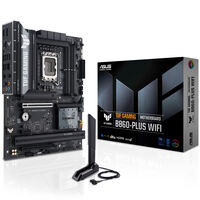
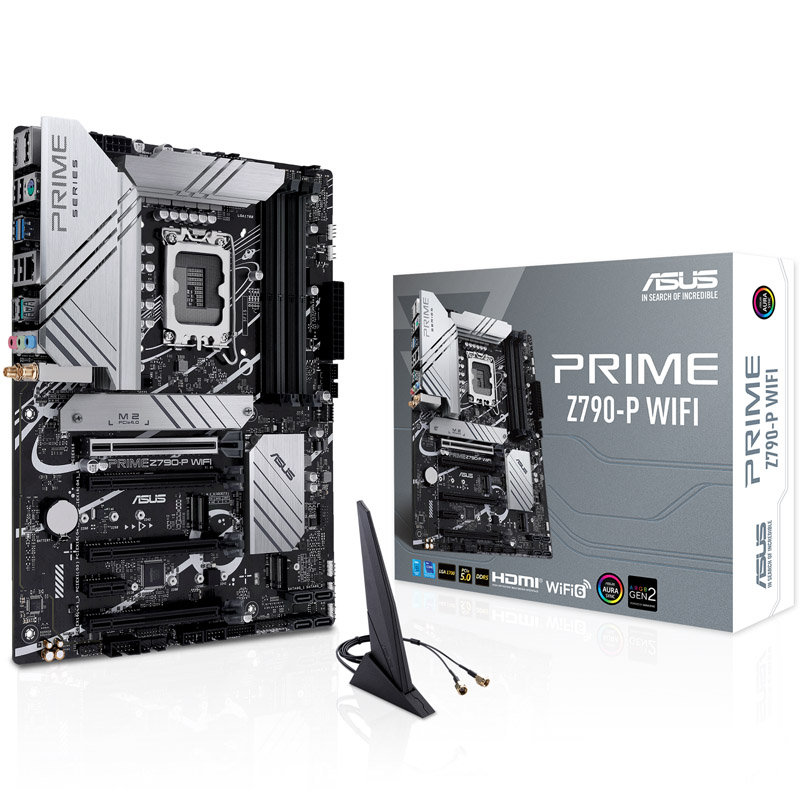
Intel Motherboards for Intel Core i and Core Ultra Processors
Buy Intel motherboards and find the ideal foundation for your gaming PC: Whether you're using an Intel Core Ultra processor on the LGA 1851 socket or an Intel Core i CPU from the 12th, 13th or 14th generation on the LGA 1700 socket, key factors include CPU compatibility, chipset, memory type, form factor and onboard features.
From affordable B760 and B860 motherboards to high-end boards featuring the Z790 or Z890 chipset, you'll find the right platform for gaming, streaming, overclocking and high-performance PC builds.
Finding the Right Motherboard for Your Gaming PC
The following overview shows which Intel chipset best matches your platform, budget and intended use case.
First, choose the correct socket for your CPU and then select the chipset based on features and performance requirements.
| Platform |
Class |
Chipset |
Example CPUs |
Use Case |
Recommendation |
| LGA 1851 Socket |
Entry-Level |
H810
|
Intel Core Ultra 3
Intel Core Ultra 5
|
Budget gaming PCs, office systems, multimedia and Full HD gaming
|
Ideal for cost-conscious builds using the latest Intel platform with essential features
|
| LGA 1851 Socket |
Mid-Range |
B860
|
Intel Core Ultra 5
Intel Core Ultra 7
|
Gaming, streaming, all-purpose PCs and modern systems with strong feature sets
|
Recommended for most new gaming PCs based on the LGA 1851 platform
|
| LGA 1851 Socket |
High-End |
Z890
|
Intel Core Ultra 7 K
Intel Core Ultra 9 K
|
High-end gaming, overclocking, fast SSDs and powerful graphics cards
|
For enthusiasts, overclockers and users seeking maximum features and expandability
|
| LGA 1700 Socket |
Entry-Level |
H610
|
Intel Core i3
Intel Core i5
|
Affordable gaming PCs, office systems, multimedia and Full HD gaming
|
Ideal for budget-friendly systems using 12th, 13th or 14th Gen Intel Core processors
|
| LGA 1700 Socket |
Mid-Range |
B760
|
Intel Core i5
Intel Core i7
|
Gaming PCs with excellent value, streaming and all-purpose use
|
An excellent choice for powerful gaming PCs without CPU overclocking
|
| LGA 1700 Socket |
High-End |
Z790
|
Intel Core i7 K
Intel Core i9 K
|
High-end gaming, overclocking, powerful workstations and extensive features
|
For demanding builds using Intel Core processors with maximum platform capabilities
|
The best Intel motherboard for you depends primarily on your CPU, memory and intended use. For budget-conscious gaming PCs, B760 and B860 motherboards are usually the best choice. They offer modern connectivity, fast M.2 support and excellent value for money. If you plan to overclock a K-series CPU, use ultra-fast DDR5 memory or require a large number of ports and expansion options, a Z790 or Z890 motherboard is the better choice.
LGA 1700 or LGA 1851 Motherboard?
Choosing the right Intel motherboard depends primarily on your processor. Intel Core processors from the 12th, 13th and 14th generations require a motherboard with an LGA 1700 socket, while Intel Core Ultra processors are only compatible with motherboards featuring the LGA 1851 socket.
Beyond CPU compatibility, the motherboard generations also differ in terms of features. Intel 800-series motherboards exclusively support DDR5 memory, while many 600-series and 700-series models are also compatible with DDR4 RAM. In addition, Intel motherboards with the LGA 1851 socket provide full support for PCIe 5.0 for graphics cards and high-speed NVMe SSDs.
An Overview of Intel Motherboard Chipsets
Each motherboard generation includes several chipset variants with different feature sets and capabilities.
- H Series: The entry-level option, often equipped with fewer memory slots and PCIe lanes; CPU overclocking is not supported.
- B Series: Excellent value for most gaming PCs. CPU overclocking is not supported, although memory tuning may be available depending on the platform and motherboard model.
- Z Series: High-end chipsets for K-series CPUs, offering CPU overclocking, robust power delivery, numerous high-speed ports, multiple M.2 slots and extensive PCIe connectivity.
The right series ultimately depends on your requirements and expectations for your gaming PC.
Intel Motherboards for Gaming PCs
For gaming PCs, Intel motherboards based on the B and Z series chipsets are especially popular. They offer modern connectivity for graphics cards, high-speed SSDs and high-frequency memory. While B-series motherboards provide excellent value for money, Z-series models are aimed at enthusiasts who want to get the most out of their hardware.
Intel Motherboards with PCIe 5.0
PCIe 5.0 provides high bandwidth for graphics cards and ultra-fast NVMe SSDs. Whether an Intel motherboard supports PCIe 5.0 for the graphics card slot, an M.2 slot or both depends on the specific model. Always check the motherboard specifications before purchasing if you plan to use a PCIe 5.0 SSD or want a particularly future-proof platform.
FAQ – Intel Motherboards
Which motherboard form factors are available for Intel motherboards?
Intel motherboards are available in the most common form factors: Mini-ITX, mATX, ATX and E-ATX.
Which motherboard do I need for an Intel Core i CPU?
For 12th, 13th and 14th Gen Intel Core processors, you need a motherboard with an LGA 1700 socket.
Which motherboard supports Intel Core Ultra CPUs?
Intel Core Ultra CPUs can only be used with motherboards featuring the LGA 1851 socket.
Which motherboard supports DDR4 memory?
If you want to use DDR4 memory, you'll need a compatible LGA 1700 motherboard. Be sure to check the specifications of the individual model.
Should I choose an Intel motherboard with DDR4 or DDR5 support?
DDR4 is a good choice if you want to reuse existing memory or build a budget-friendly LGA 1700 system. DDR5 is the better option for new gaming PCs, modern Intel Core Ultra systems and higher memory bandwidth. Motherboards with the LGA 1851 socket support DDR5 exclusively.
Which motherboard do I need if I want to overclock my CPU?
Motherboards that support CPU overclocking are identified by the “Z” chipset designation.
Which Intel motherboard is best for gaming?
For most gaming PCs, Intel motherboards based on the B760 or B860 chipset are ideal. They offer modern connectivity, fast M.2 support and excellent value. For high-end gaming with a K-series CPU, overclocking or extensive connectivity requirements, a Z790 or Z890 motherboard is the better choice.
How much memory does an Intel motherboard support?
The maximum supported memory depends on the chipset, the number of DIMM slots and the specific motherboard model. Many current ATX motherboards support up to 192 GB or 256 GB of DDR5 memory, while compact or budget-oriented models may support less. Always check the specifications of the motherboard you are considering.
Which Intel motherboard generation is the newest?
The latest generation of Intel motherboards is the 800 series, consisting of the H810, B860 and Z890 chipsets.